


A familiar face, drawn with personality
Flat cartoon keeps the silhouette simple and the colors clear. Use a close portrait for a social avatar that still feels like you: glasses, hairstyle, expression, and clothing give the drawing its character.
Photo, meet imagination
Turn portraits, pets, and places into cartoons. Pick your style, compare the details, and download a new take on your favorite photo.
Cartoon studio
Source
—
Output
1K render · 20 credits
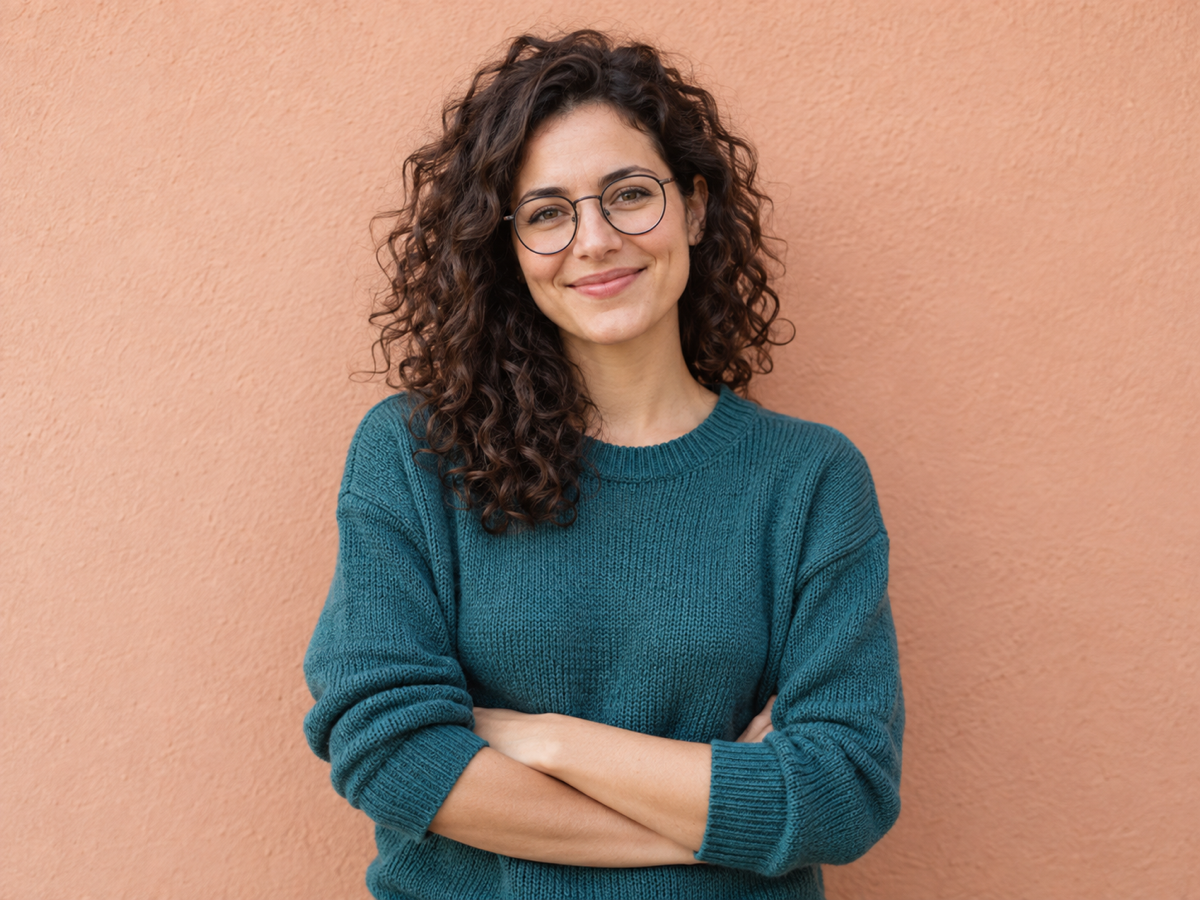
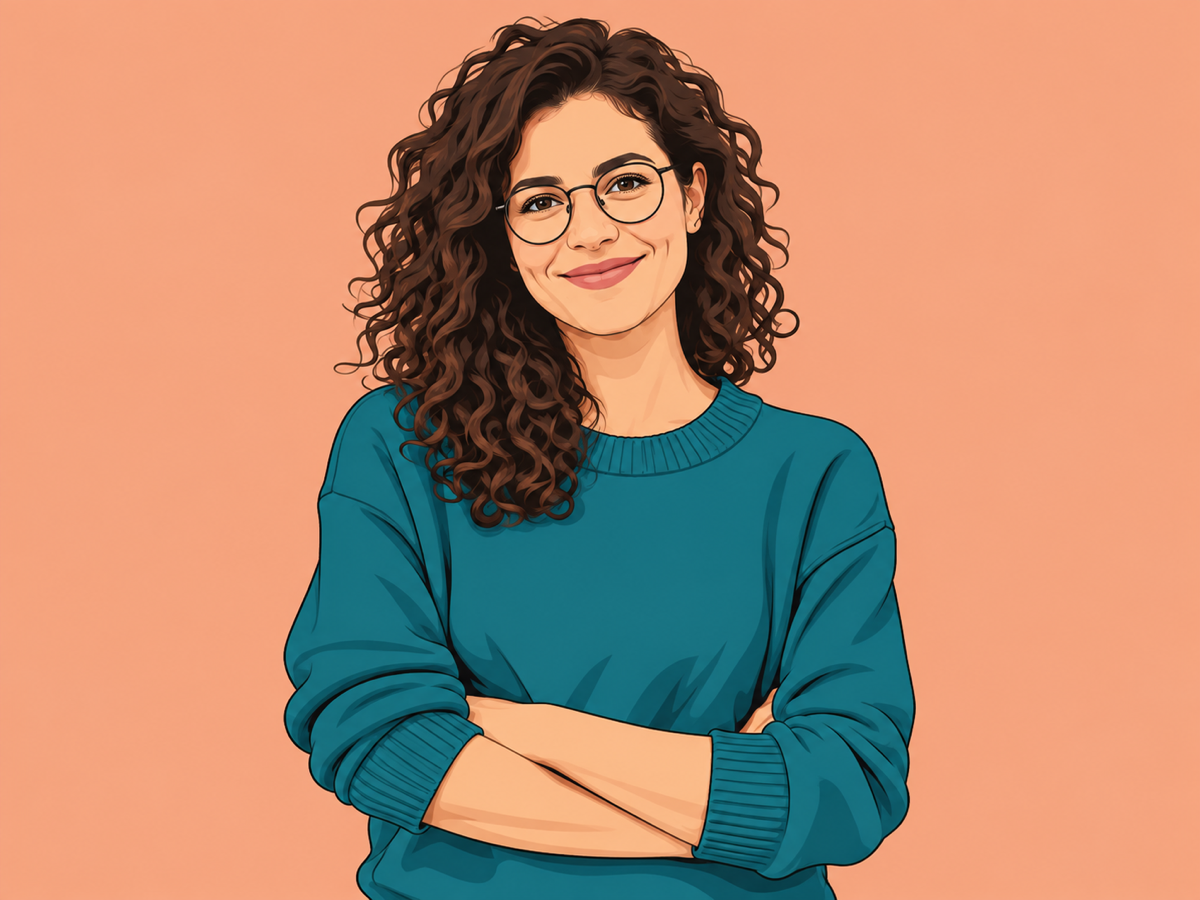
One photo. A different kind of character.
Flat cartoon keeps the silhouette simple and the colors clear. Use a close portrait for a social avatar that still feels like you: glasses, hairstyle, expression, and clothing give the drawing its character.


Rounded shapes and gentle shading suit pet portraits, greeting cards, and playful profile pictures. A photo at eye level makes distinctive ears, coat markings, and accessories easier to carry into the cartoon.


Comic blocks turn architecture, sea, and sky into strong graphic shapes. Try a wide scene for a travel journal cover or digital postcard. Leave space for your own title after downloading the artwork.
A photo to cartoon converter redraws an existing photograph as an illustration. IMG AI uses your uploaded photo as the reference, so the subject, pose, and composition guide the result. Choose flat cartoon for clean 2D shapes, comic blocks for bold ink and graphic shadows, or soft 3D for rounded animated volume. You get a downloadable raster image, ready for a profile picture, social post, or personal creative project.
Sign in and add one JPG, PNG, or WebP up to 5 MB. Use an image between 256 and 4,096 pixels per side, with no more than 16 megapixels. A well-lit subject and an uncluttered background give the drawing a clearer starting point.
Start with flat cartoon for an everyday portrait, comic blocks for a graphic scene, or soft 3D for a playful pet. Select 1K, 2K, or 4K output. The button shows the credit cost before you generate; switching settings alone costs nothing.
Move the divider to compare the original with your cartoon. Check the face, hands, coat markings, and background shapes, then download the finished image. Completed artwork also stays available in My Creations.
Face shape, hair, glasses, and posture do more for likeness than a busy background. Use a sharp, evenly lit portrait and keep the full face visible. Strong backlighting, motion blur, and tiny faces give the converter less detail to work with.
Flat cartoon reads clearly in a small profile circle. Soft 3D adds depth to pets and close portraits. Comic blocks work well for travel scenes and poster-like compositions. A 1K image suits quick social use; 2K and 4K offer more room for larger layouts.
The tool can restyle a whole scene, including several people, but small faces may become less recognizable. Crop closer when likeness matters. Fine lettering, fingers, jewelry, and repeating patterns can change as the image is redrawn. The output is a still image, not an animation or editable SVG.
Choose by the job you want to finish. IMG AI brings three distinct cartoon looks, a visible credit quote, a before-and-after view, and saved results into one focused workspace. Fotor and Cartoonize offer broader collections of effects and editing options.
A focused photo-to-cartoon workflow with clear output choices.
Choose flat cartoon, comic blocks, or soft 3D, set 1K / 2K / 4K, and see the 20 / 30 / 40 credit cost before generating. Compare the result on the same page and return to it in My Creations.
Choose IMG AI when you want a small, clear set of styles and one account for your creative image work.
Exploring a broad style catalog and a larger photo-editing suite.
Fotor presents many cartoon and anime effects, alongside photo editing and design tools. Its breadth is useful when browsing very different looks is part of your creative process.
Choose IMG AI when your goal is a straightforward cartoon conversion with output size and credits visible together.
Applying cartoon effects with additional effect adjustments.
Cartoonize presents a one-click cartoonizer and controls for the intensity, clarity, and overall look of an effect. It suits a workflow centered on exploring and tuning photo effects.
Choose IMG AI when you want distinct 2D, comic, and soft 3D directions with a saved generation history.
Sign in to IMG AI, upload one photo, choose a cartoon style and output size, then select Generate cartoon. When it finishes, compare it with the original and download. You do not need to write a prompt or install an app.
The conversion uses the photo to guide face shape, pose, hairstyle, and composition. Flat cartoon is a useful starting point for a recognizable portrait. Close, clear faces are easier to preserve than distant faces in a group. Cartoon rendering can change small details, so compare each face before using the result.
Yes. The input does not need to be a selfie. Try soft 3D for a pet portrait or comic blocks for architecture and travel scenes. Keep the subject large enough to read and start with a sharp original.
Generation uses IMG AI credits: 20 for 1K, 30 for 2K, or 40 for 4K. The selected cost appears before you start. Previewing, comparing, and changing settings do not start a paid generation. Download saves the finished raster image; this tool does not export editable vector paths or animated video.
Keep or reopen the same tab to recover your current generation, or look in My Creations. Use Recover original task if status checks pause. A confirmed failed generation returns the reserved credits. Choosing a new generation after failure creates a new attempt at the displayed price.
Your photo is uploaded to process the conversion and the task is associated with your IMG AI account. Results are accessible through My Creations. See the IMG AI privacy policy for information about storage, service providers, and your data choices.
Read our privacy policy