Create and edit images with Nano Banana 2.5: precise local edits, stable multi-step refinement, faster generation and realistic lighting. Generate from a prompt, edit a photo with references, and download production-ready results right on this page.
Choose Flare for quick iterations, or Sunburst when finer detail matters.
From brief to finished visual
Nano Banana 2.5 concept example. Your result appears here; results vary with your brief and settings.
Keep the parts that work.
Create a first version, choose Edit this image, then describe one change. Describe what to preserve and what to replace.
What is Nano Banana 2.5?
Nano Banana 2.5 is an AI image generation and editing model built for precise local changes, stable iteration and production-ready output. It improves on Nano Banana 2 with more accurate local edits, less drift across repeated rounds, lower generation latency and more realistic lighting and detail. On IMG AI you can run it directly from this page in both text-to-image and reference-edit modes.
Nano Banana 2.5 improves image generation and editing with accurate local changes, stronger edit consistency, lower latency, realistic lighting and production-ready results. The first screen is a live studio, so you can test every claim on your own brief.
More precise local editing
Edit exactly what you need without changing the rest of the image. Replace text, clothing, objects or selected regions while preserving the surrounding composition and detail.
More stable iterative editing
Build on previous edits with greater consistency and less unwanted drift as an image evolves through feedback rounds, so approved subjects and regions stay put.
Lower generation latency
Generate and refine images faster, so you can move through more concepts and revisions in less time instead of waiting between attempts.
More realistic light and detail
Create natural shadows, balanced highlights, realistic materials and finer scene detail across portraits, products and cinematic compositions.
Nano Banana 2.5 prompts you can reuse
These concept illustrations show the deliverable each brief is written for, and every prompt can be copied straight into the workbench. Use them as a starting point for your own product, poster or portrait edit.
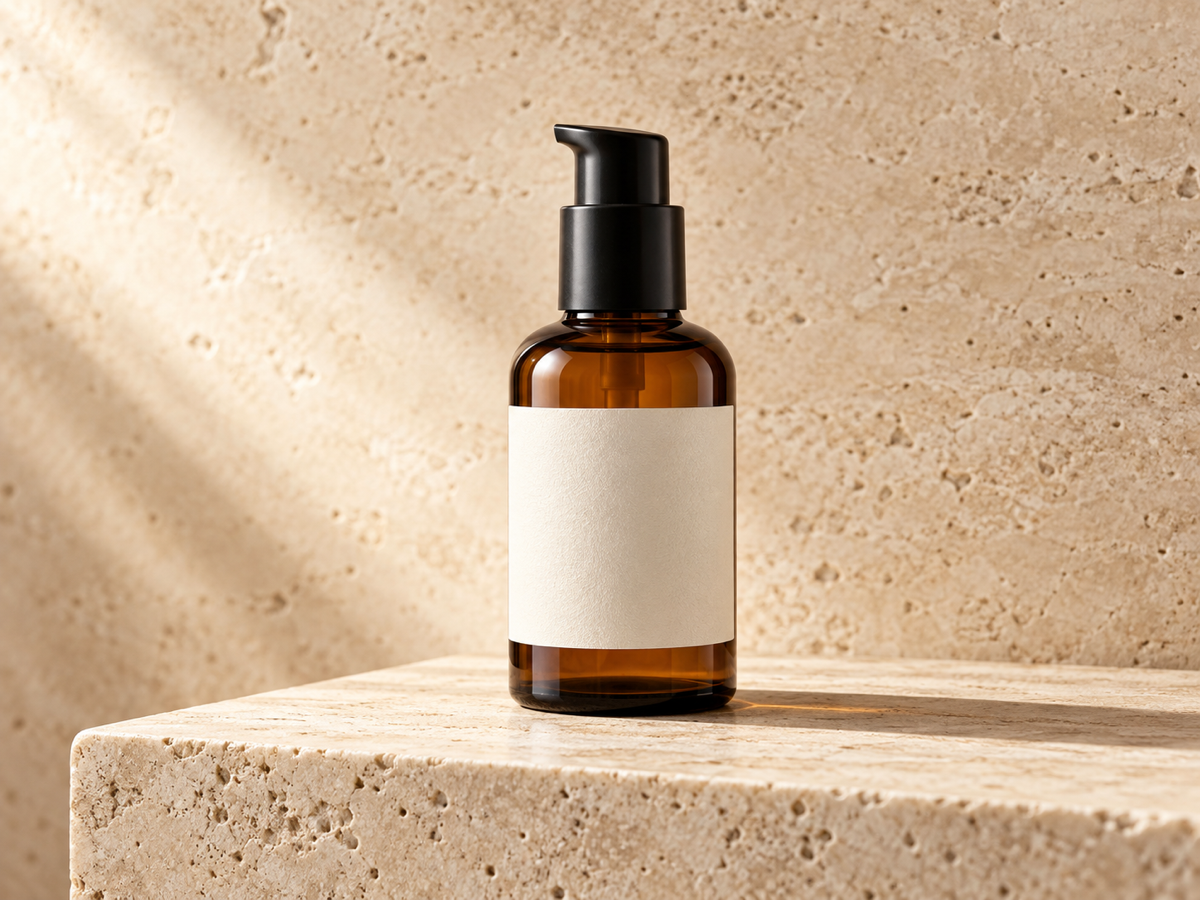
Swap a product background and keep the label
Start from a product shot, lock the label and bottle proportions, and describe only the scene around it. This is the editing brief to reach for when a campaign needs the same pack in several settings without reshooting the product.
Edit one line of text on a finished poster
Put the exact words in quotation marks, name the line to change, and ask to preserve everything else. A single controlled text edit is easier to review than a full redesign when the rest of the layout already works.
Change an outfit while keeping the same person
For character consistency, upload the portrait you like and describe one change at a time. Say that the face, pose and framing must stay the same so a later revision still reads as the same person.
How to create images with Nano Banana 2.5
Generate a new image or refine an existing visual in four steps. Keep one change per pass when you need to see exactly what improved.
1. Describe your image or upload a reference
Enter a prompt for a new image, or upload an existing one when you need to replace text, change clothing, adjust an object or refine a specific part of the scene. Name the subject, the composition, the lighting and where the image will be used.
2. Select Nano Banana 2.5 and set the output
Choose Nano Banana 2.5 in the studio, pick Generate or Edit, and set the aspect ratio and 1K, 2K or 4K resolution. Draft at 1K, then raise the resolution for the final asset you will publish.
3. Generate and refine
Review the result and continue editing with natural-language instructions. Say which part must stay and which part may change, and change one thing per pass so you can see exactly what improved.
4. Download and reuse
Check text, product detail and framing at full size, then download the PNG. Send any result back to Edit as the next reference and keep going while the parts you already approved stay stable.
Nano Banana 2.5 vs Nano Banana 2
Nano Banana 2.5 improves on Nano Banana 2 with more precise local editing, stable multi-step refinement, lower latency, realistic lighting and stronger production reliability.
Nano Banana 2.5 vs Nano Banana 2
Feature
Nano Banana 2.5
Nano Banana 2
Positioning
Advanced image generation and editing focused on precise changes, faster iteration, visual realism and production workflows.
Versatile image generation and editing for general creative, design and marketing workflows.
Local editing
Precisely replaces text, clothing, objects and selected elements while preserving surrounding detail.
Supports targeted edits, but complex changes may affect more of the surrounding image.
Iterative editing
Better preserves previous modifications across multiple rounds for a stable refinement process.
Supports multi-step editing, though visual details may shift more noticeably between changes.
Generation speed
Lower generation latency for faster image creation and editing workflows.
Strong generation performance with longer wait times compared with Nano Banana 2.5.
Resolution and ratios
Up to 4K across wide, square, tall and ultra-wide ratios.
1K, 2K and 4K across wide, square, tall and ultra-wide ratios.
Best for
Local editing, text replacement, product visuals, marketing assets, iterative design and production workflows.
General image generation, concept art, social content, marketing visuals and flexible image editing.
Nano Banana 2.5 is an AI image generation and editing model built for precise local edits, stable multi-step refinement, faster generation and realistic lighting. It is the successor to Nano Banana 2 in Google’s Nano Banana image line, which sits behind Gemini image generation. On IMG AI you can run it directly from this page in both text-to-image and reference-edit modes.
What is improved compared with Nano Banana 2?
Nano Banana 2.5 sharpens the parts that matter for production work: local edits are more precise and touch less of the surrounding image, repeated edits drift less between rounds, generation latency is lower, and lighting and material detail read more naturally. Nano Banana 2 stays the versatile general-purpose option, while 2.5 is tuned for controlled, iterative and commercial workflows.
Can Nano Banana 2.5 replace or edit text in an image?
Yes. Switch the workbench to Edit, upload the image that holds the text, and name the exact line to change inside quotation marks. Nano Banana 2.5 rewrites that region while preserving the layout, subject, background and colors around it, which is why it is well suited to posters, packaging mockups and price or headline changes on a finished layout.
Is Nano Banana 2.5 good for product photos?
It is one of its strongest use cases. Upload a product shot, lock the shape, label and proportions, then describe only the scene around it. You can move the same pack onto a new background, surface or light setup across an entire campaign without reshooting the product or redrawing the label.
Can Nano Banana 2.5 edit a photo I upload?
Yes. Reference editing is the core of the Nano Banana line and is available on this page right now. Switch to Edit, upload your reference images, then describe what must stay and what may change. The model keeps the parts you name and revises the rest, and any finished result can be sent back as the next reference for a controlled revision.
How do I write a good Nano Banana 2.5 prompt?
Describe the deliverable first: subject, composition, lighting and where the image will be used. Put any exact wording in quotation marks and keep it short. When editing, name the one region to change and explicitly protect the rest, including labels, faces, type and proportions. Review each result before the next change instead of stacking several edits at once.
How much does Nano Banana 2.5 cost on IMG AI?
You pay per generation with IMG AI credits, and the workbench shows the exact credit cost for your resolution and mode before you submit. Credits are separate from any chatbot subscription or direct model-provider billing, and a confirmed failed request returns the credits to your balance.
How is Nano Banana 2.5 different from Nano Banana 2?
Nano Banana 2.5 is tuned for precise local editing, stable iterative refinement, lower generation latency and realistic lighting in production workflows. Nano Banana 2 remains the versatile general-purpose model for fast concept and marketing images. You can run both on IMG AI and compare them on the same brief before choosing one for a campaign.
Best use cases for Nano Banana 2.5
These workflows show where Nano Banana 2.5 matters most: precise edits, reliable text, consistent details and production-ready image generation.
Advertising posters
Create polished promotional visuals with clear messaging, balanced layouts and strong hierarchy. Fix a headline or price line on a finished layout without rebuilding the rest of the design.
Product visuals
Review product shape, packaging detail, lighting, reflections, shadows and material appearance across varied scenes while the label and proportions stay locked.
Iterative edits
Build on previous revisions while keeping approved subjects, regions and composition stable. Change clothing, objects or a single region and keep the face and framing identical.
Brand assets
Maintain consistent colors, typography, framing and visual identity across a coordinated collection of branded assets produced for the same campaign.
Story development
Explore recurring characters, environments, props and camera direction before expanding ideas into storyboards or video, keeping the same person across frames.
Interface and document design
Evaluate precise text, structured layouts, icons, grids and interface elements that require close visual accuracy and reliable rendering of exact wording.
IMG AI workbench vs single-purpose image tools
The comparison below is about the workflow you get here, not about model benchmarks. It is why the same page is worth returning to as your model lineup grows.
IMG AI workbench compared with single-purpose image tools
Decision point
IMG AI workbench
Single-purpose tools
Getting started
Open the workbench and type a brief. No chat subscription is required.
Usually needs a separate chat account or a single-purpose app.
Reference editing
Upload reference images and describe what must stay and what changes.
Reference editing is limited, hidden, or only available in a chat thread.
Price before you commit
The credit cost is shown for the exact settings before you submit.
Costs are often bundled into a plan you cannot price per image.
Interrupted work
A saved request is resumed instead of charged a second time.
A refresh or timeout can lose the draft and the spend.
Output
Download one finished PNG per request.
Export formats and watermarks vary by tool.
Model choice
Run Nano Banana 2.5 and its predecessors side by side on the same brief.
You have to find and relearn a new tool for each model.
Use the live studio on this page to generate from a prompt or edit a photo with references. Precise local edits, stable iteration and realistic output, priced clearly before you submit.