Edit Text in Image

Once a design or photo is flattened to a JPG or PNG, its words are just pixels: there is no layer to select and no font file to reload. The IMG AI text editor reads the lettering already in the image, replaces or removes the wording you name, and re-renders it in place while the rest of the frame stays as it was.

JPG, PNG, WebPUp to 10 MB256–4,096 px per sideDrag to compare

Text editor

Change the text inside an image

Upload one image with text, choose what should happen, type the exact wording, and let one pass rebuild the lettering in place.

Upload image(0/1)

The model renders this exactly, character for character.0/300

Naming the current text keeps every other word untouched.

One local text edit

One guided pass inside your selected box. Pixels outside the box stay original, and the download keeps your upload dimensions.

20 credits

Source

—

Output

Original upload size · PNG

20 credits for this runView pricing
Ready
Concept render · verify wording before publishing

Your edited image will appear here

Upload a JPG, PNG, or WebP between 256 and 4,096 pixels per side to change the text, add new wording, or clear text away.

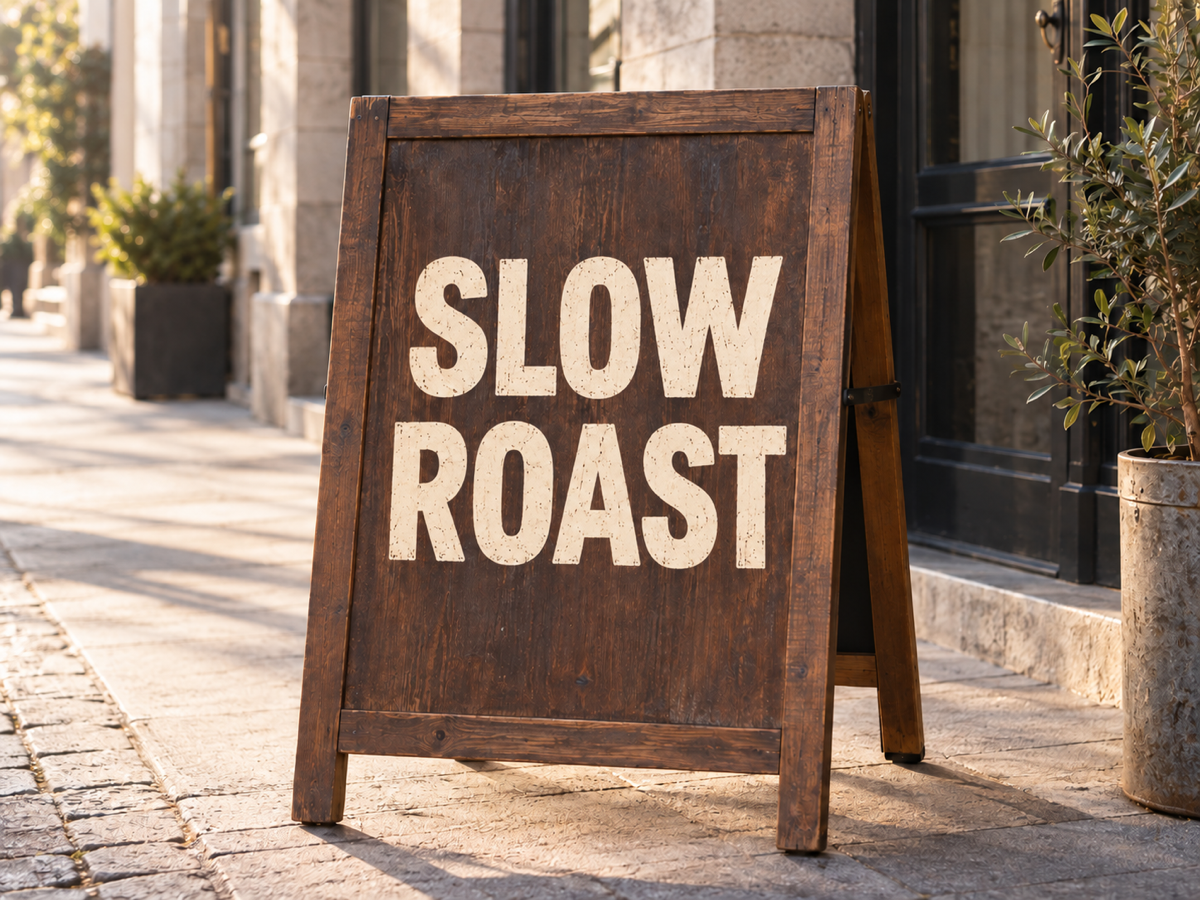
The same café sign after its lettering is replaced with SLOW ROAST in the matching painted style
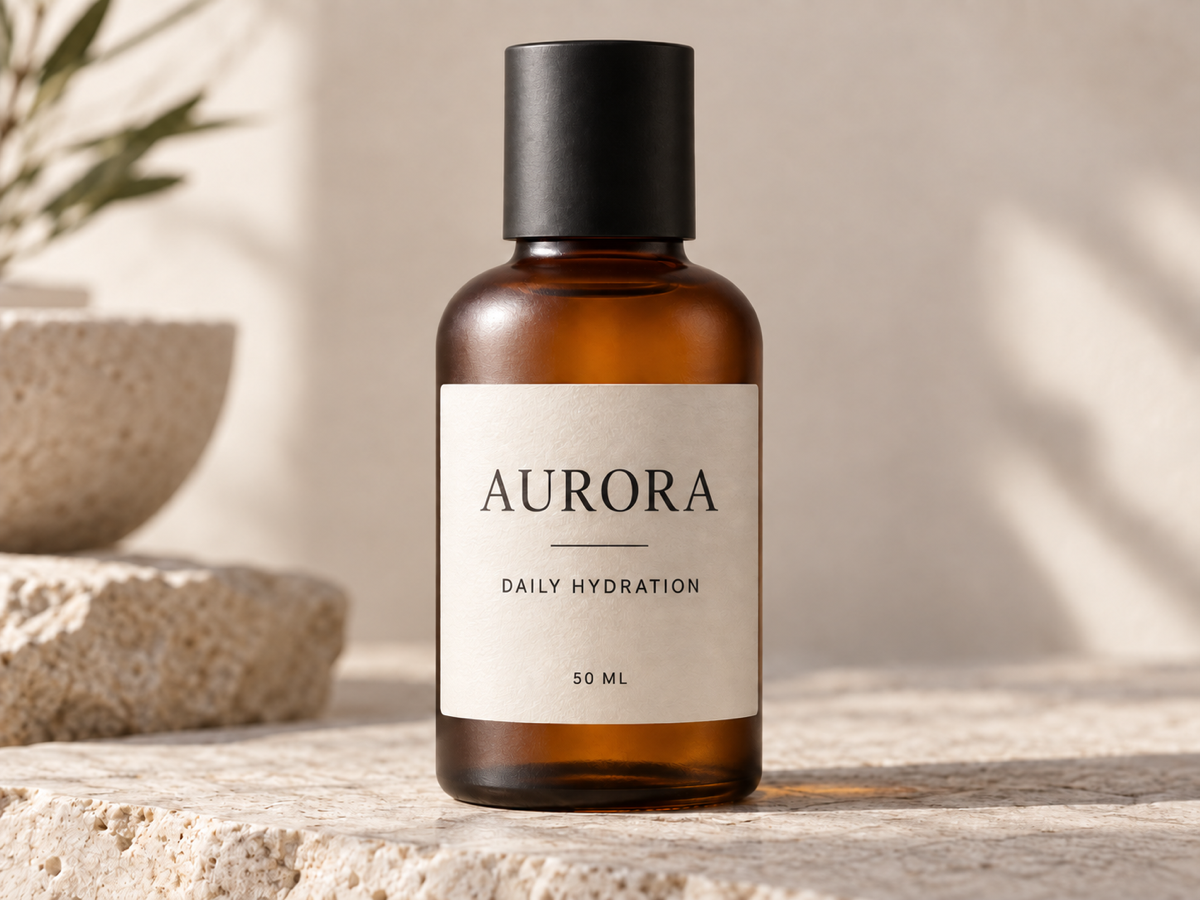
The same bottle label after one line of text is changed while the rest of the label and lighting stay the same
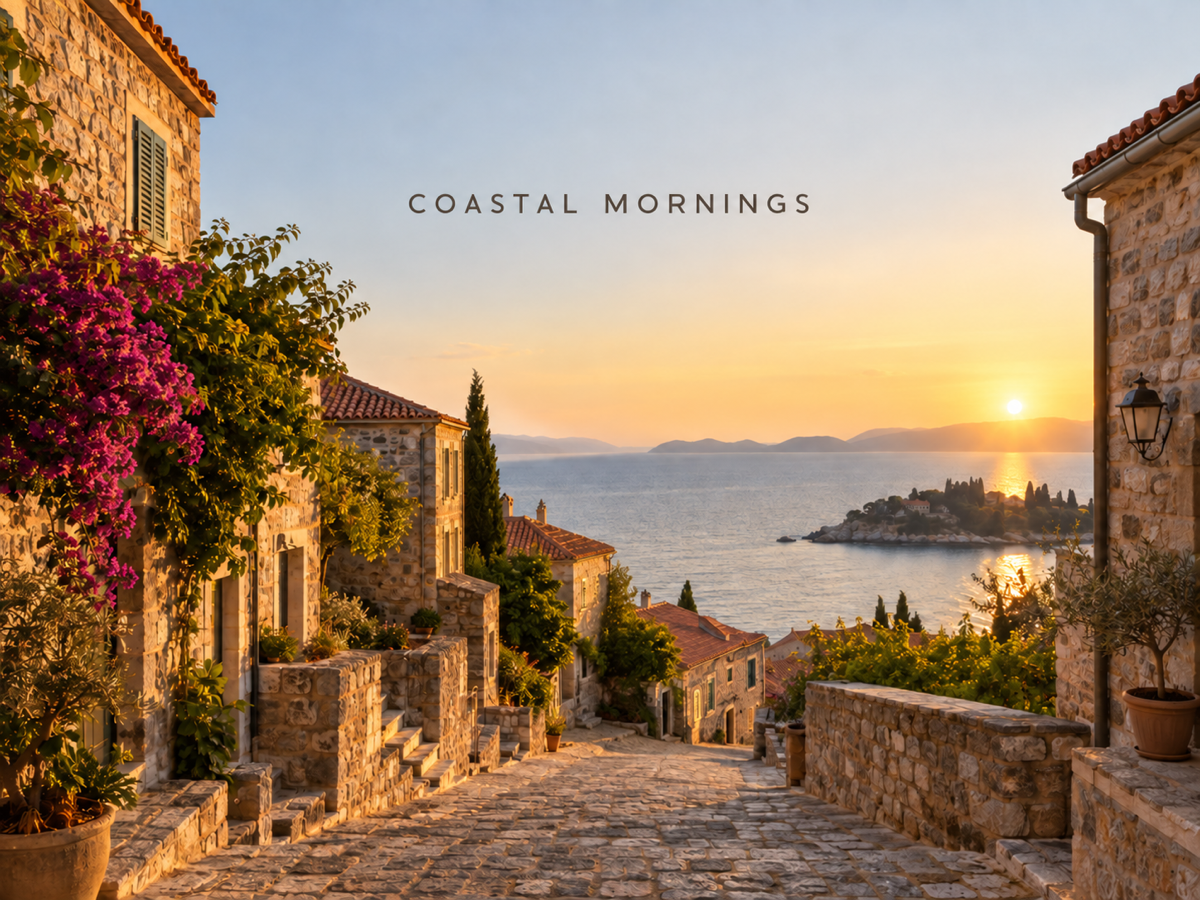
The same travel photograph after a short headline is added naturally into the open sky area

Concept examples, not measured customer results.

The direct answer

What does it mean to edit text in an image?

Editing text in an image means changing words that are already baked into the pixels. In a layered design file you would click the text box and retype; in a screenshot, export, photo of a sign, label, or poster, those layers are gone. The characters are part of the image, so changing them means rebuilding that small region to match the surrounding letterforms, color, perspective, and lighting.

IMG AI runs one reviewed pass on the area you name. It reads the existing lettering, replaces, adds, or removes the wording, and matches the font, weight, color, size, and scene perspective so the change looks native. You keep the original next to the result in a single comparison view, because AI lettering is a strong draft rather than a guaranteed match to the exact font that was used.

Jobs this text editor is built for

Fix a typo, price, date, or name on a finished image

The most common case is a final JPG or PNG with one wrong word: a misspelled product name, an out-of-date price, the wrong year, or a name that changed. There is no source file to reopen, so a targeted one-pass edit is faster than rebuilding the whole design from scratch.

Localize signage and banners for another market

A storefront, menu, or campaign banner often exists only as a photo or a flattened export. If you need the same image with Spanish, French, or German wording, the editor swaps the text while keeping the real-world scene, perspective, and lighting intact instead of pasting flat type over a photograph.

Clear old text and reuse the background

Sometimes the goal is subtraction: a logo lockup, a caption, a watermark, or a temporary promotion that should not appear. Naming the text and removing it rebuilds the area behind it so you can reuse an otherwise clean photo or graphic.

How to edit text in an image online

  1. Upload one image that contains text

    Sign in, then add a single JPG, PNG, or WebP up to 10 MB with each side between 256 and 4,096 pixels and no more than 16 megapixels. IMG AI checks the file in the browser and again on the server, so a mislabelled or truncated image is rejected before any credits are reserved.

  2. Describe the wording change

    Choose Replace, Add, or Remove, type the exact wording to render, and name the existing text to target. Pick a lettering style or keep Match the image so the editor copies the original font, weight, and color. The workbench shows the fixed 20-credit cost and your balance before submission.

  3. Compare, then download or discard

    Drag the divider across the edited result and check the changed wording, the lines that should not move, and the rebuilt background. Download when it is good enough for how you will use it. If the connection drops or you refresh the tab, IMG AI recovers the same task instead of starting a second paid job.

Concept examples

What to inspect after a text edit

These owned concept pairs show the three jobs people ask for most: replacing wording on a sign, updating a line on a product label, and adding a headline to a photo. They are not measured IMG AI customer results.

Concept photograph of a wooden café sign reading DAILY GRIND in painted capital letters
The same café sign after its lettering is replaced with SLOW ROAST in the matching painted style
EditedOriginal

Replacing the wording on a café sign

The clean case: a short, high-contrast phrase on a simple background. Check that the new capitals match the original stroke weight, spacing, and paint texture, that the sign board and its light are untouched, and that the old wording leaves no ghost outline behind.

Replace · match the image · 1K render · 20 credits

Concept example generated for this page; not a measured customer result from IMG AI.

Concept product photograph of a matte bottle label with printed product text and a small ingredient list
The same bottle label after one line of text is changed while the rest of the label and lighting stay the same
EditedOriginal

Updating text on a product label

Labels combine several type sizes on one surface, so name exactly which line changes and inspect the small print closely. The editor aims to keep the untouched lines, borders, and icons identical, and to wrap the new text within the label instead of spilling over its edge.

Replace · match the image · other lines preserved

Concept example generated for this page; not a measured customer result from IMG AI.

Concept travel photograph of a coastal town street at golden hour with an empty sky area
The same travel photograph after a short headline is added naturally into the open sky area
EditedOriginal

Adding a line of text to a travel photo

Adding text is about placement and perspective. The editor puts the new wording in an open area and matches the scene lighting, so it does not sit flat on top of the photo. Check that the placement reads naturally and that no other part of the scene was altered to make room.

Add · match the image · framing preserved

Concept example generated for this page; not a measured customer result from IMG AI.

What this text editor actually does

The page exposes one reviewed local text edit with three modes and a named lettering style. There is no layer panel, no text-mask brush, and no font upload because this backend does not expose them.

One local lettering edit

One pass targets only the text you name and rebuilds that region to match the surrounding font, color, and perspective, so the rest of the image stays as it was instead of being regenerated as a whole.

Replace, add, or remove

Three reviewed modes cover the searches people actually have: swapping wording in place, writing new text into an open area, and clearing text away so the background can be reused. Each mode has its own fixed instruction.

Reviewable and recoverable output

The original and the edited result sit in one comparison view, and the finished task stays in My Creations, so a dropped connection recovers the same paid run instead of charging twice.

Edit text vs add text vs remove text vs remove object

Four different problems look similar in a search box. Pick by what is actually wrong with the file in front of you.

The problemEdit Text in ImageAdd TextRemove TextObject Remover
Best forWording that is wrong, outdated, or needs localizingA photo or graphic that needs a new caption or headlineText you want gone so the background can be reusedA non-text object or blemish that should disappear
What changesNamed text is rewritten in place; the rest is preservedNew wording is placed into an open areaNamed text is erased and the background rebuiltThe masked region is reconstructed
What it will not doRecover the exact original font or act as a full design editorEdit text that is already baked into the pixelsGuarantee an invisible repair on very complex backgroundsRewrite recognizable lettering or replace a whole background
Cost on IMG AI20 credits20 credits20 credits10 credits

Images that edit well

The strongest inputs have short, readable wording with clear contrast against a simple background, such as a painted sign, a label, a poster heading, or a screenshot. Straight-on perspective, even lighting, and enough clean background around the text give the pass the most to work from. Name the exact existing wording so every other line stays put.

Limits you should know

  • The exact original font is not recovered. The editor reads the letterforms from the pixels and draws the closest match, so a distinctive or custom typeface can come back as a similar face rather than a perfect one.
  • The output is re-rendered at a 1K-class size with the same framing, so pixel dimensions are normalized rather than matched to a large source file. Small text and fine print degrade first.
  • Always proofread the result. AI lettering can misspell a long word, drop a character, or change spacing, so check the exact wording before you publish, print, or send the image.
  • This page changes text only. It does not retouch skin, remove objects outside the text, upscale the image, restore damage, or colorize a black-and-white photo.
  • Busy or low-contrast text over a complex background is harder to rebuild, and heavy perspective, glare, or motion blur can leave a faint trace where the old wording was.
  • Do not use this to change a document, receipt, invoice, ID, or price in a way that misrepresents a fact, a person, or an event.

IMG AI vs Canva vs Fotor

These tools answer the same search in different ways: a tracked one-pass AI text editor inside an image account, a template design suite with a text-grab feature, and a broad online photo editor with automatic font matching. Public product pages were reviewed on 19 September 2026; confirm current plan terms on each vendor site before you commit.

IMG AI

A single tracked text-edit pass inside the same account, credits, and history you already use for the rest of IMG AI.

Sign in, upload one JPG, PNG, or WebP up to 10 MB, choose Replace, Add, or Remove, type the exact wording and name the existing text, confirm 20 credits, run one pass, drag the before/after comparison, and download. The run is recoverable and appears in My Creations.

No layer editing, no text-mask brush, no font upload, and a 1K-class render rather than a full-resolution export or an editable design file.

Open the IMG AI tool

Canva

A design suite where "Grab Text" lifts text out of an upload so it can be edited inside a template workflow.

Canva markets a Grab Text feature that detects lettering in an uploaded image and converts it to editable text on a blank design, alongside its full layer-based editor for anyone who wants to restyle the result by hand.

Grab Text works best on flat graphics and standard fonts; on photographs and stylized type the detection can be partial, fills can leave artifacts, and odd letterforms may return as a different font. Editing is a manual step inside a larger subscription product.

Fotor

An all-in-one online photo editor with an image text editor that matches typeface, weight, color, and effects.

Fotor advertises an AI text editor that scans the image, makes detected text areas editable in one step, matches type from a large font library, and supports a natural-language edit mode for simple wording swaps.

The free plan has daily limits, background reconstruction on busy photographic backgrounds is where output is least even, and text editing is one feature inside a broader editor subscription rather than a fixed per-image credit.

Also worth knowing: dedicated free tools such as PhoText and EditTextImage focus on in-place text replacement with OCR and font matching; Adobe Photoshop offers Generative Fill for professional manual workflows; Photopea is a free browser editor that handles the job entirely by hand; and Picsart is an overlay tool for adding new text rather than editing text already baked into an image. IMG AI is the better fit when changing text in an image is one step in general image work and you want a fixed per-image credit instead of another subscription.

Privacy, rights, and responsible use

Upload only images you own or are authorized to process. Changing the text in an image changes what it appears to say, so do not use this tool to alter a document, receipt, invoice, ID, price, or statement in a way that misrepresents a fact, a person, or an event. Keep the original if the image may matter as a record. Img ai keeps the tracked task on your account and the result in My Creations. Read the privacy policy before uploading personal material.

File and credit specifications

Input
JPG, PNG, WebP
Maximum file
10 MB
Side range
256–4,096 px
Maximum area
16 megapixels
Modes
Replace, Add, Remove
Styles
Match, Bold, Minimal, Handwritten, Elegant
Output
One 1K-class edited image
Task cost
20 credits
History
My Creations

Edit Text in Image FAQ

Can I edit text in an image without the original design file?

Yes. That is exactly what this tool is for. Once a design is exported to a JPG or PNG, the text is no longer a selectable layer, but it is still visible in the pixels. IMG AI reads the letterforms already in the image, replaces, adds, or removes the wording you name, and re-renders that region to match the surrounding font, color, and perspective, so you never need the source file or the original font.

Will the new text match the same font and style?

The editor matches as closely as it can by reading the existing letterforms, including stroke weight, serif shape, spacing, slant, color, and texture. It does not recover the exact font file, so a custom or very distinctive typeface may come back as a similar face rather than a pixel-perfect match. Choose Match the image to prioritize fidelity, or pick a named style such as Bold, Minimal, Handwritten, or Elegant when you want a deliberate change.

What kinds of text edits work best?

Short, high-contrast wording on a relatively simple background works best: signs, labels, posters, banners, menus, screenshots, and headings. Naming the existing text and the exact replacement wording gives the clearest result. Long paragraphs, tiny fine print, heavy perspective, glare, and motion blur are harder, because the editor has less clean lettering to read and less background to rebuild behind the change.

Can I change text on a photo, a screenshot, or an exported JPG?

Yes. Screenshots, exported JPGs, and photographs of signs, labels, or products are exactly the case this tool is built for, because in all of them the text is baked into the pixels with no editable layer. Upload a JPG, PNG, or WebP up to 10 MB, with each side between 256 and 4,096 pixels and no more than 16 megapixels; the file is validated in the browser and again on the server before anything is charged.

How many credits does one text edit use?

Each pass costs 20 credits, shown next to your balance before you submit. A failed task refunds automatically, and a dropped connection or page refresh recovers the same task instead of charging twice. Because one run handles one wording change on one image, editing several lines in different places is best done as separate passes. Current plans are listed on the IMG AI pricing page.

Will the rest of the image stay the same?

The instruction tells the model to change only the text you name and to preserve people, products, logos, colors, textures, shadows, crop, framing, and lighting direction. Because the image is re-rendered rather than patched pixel by pixel, very fine texture around the edit can shift slightly. Check the neighboring lines and the background behind the changed text before you publish, and keep the original if the image matters as a record.

Move to the workflow that matches what the source actually needs.

Fix the words without rebuilding the design

Upload an image, describe the wording change, and inspect the edited lettering in place before you download it.

Open the text editor