


A slight turn for an editorial portrait
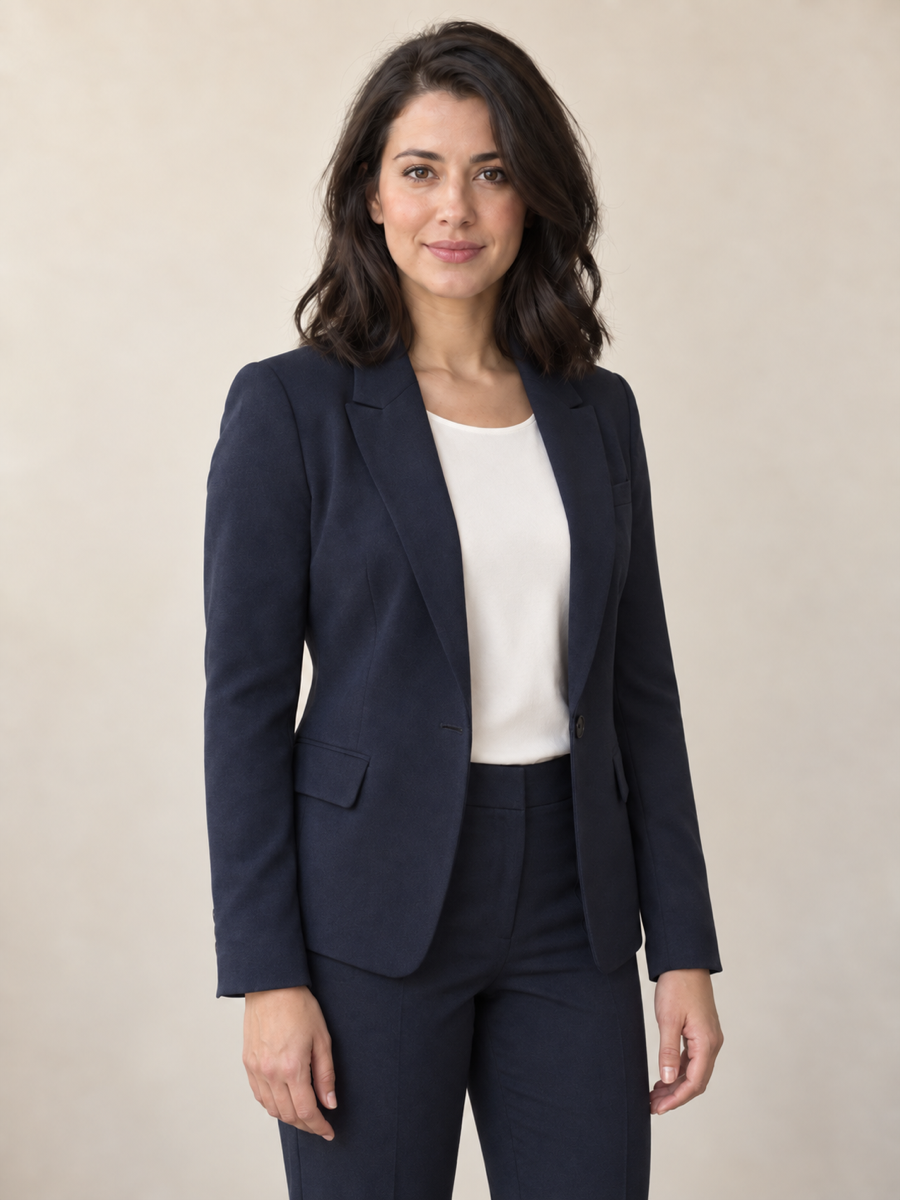
A small shoulder turn adds shape to a profile portrait without asking for a new face or a different wardrobe. Choose Slight turn when you want a change in body language within the existing crop.
A relaxed stance. A natural seat. A subtle turn. Upload one person’s photo and create a new pose while keeping their face, outfit and setting recognizable.
Portrait studio
Source
—
Output
1K render · 20 credits
Your next pose starts here
Upload a JPG, PNG, or WebP between 256 and 4,096 pixels per side. Choose Sitting for a full-body or three-quarter photo.
One photo, fresh body language
A small shoulder turn adds shape to a profile portrait without asking for a new face or a different wardrobe. Choose Slight turn when you want a change in body language within the existing crop.


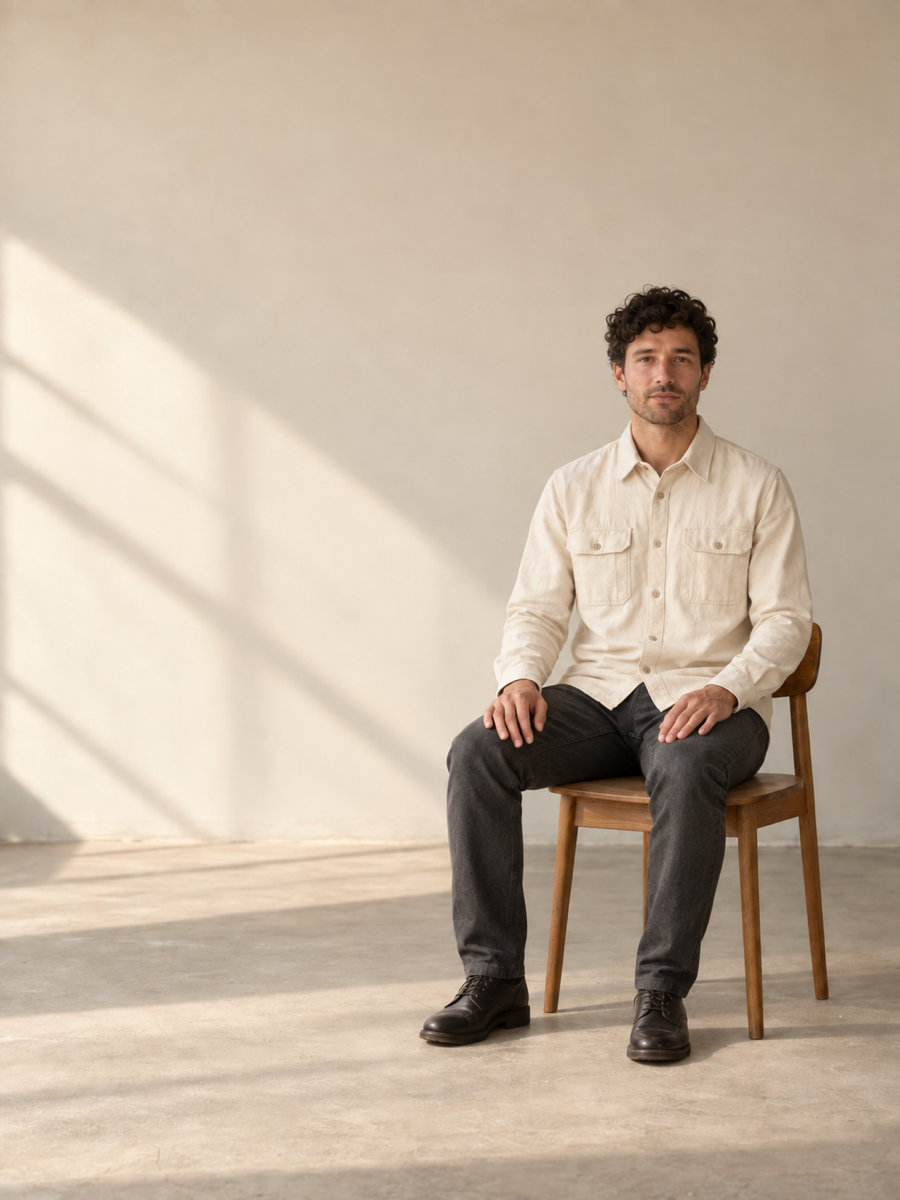
A seated variation gives an interview cover or personal website a more conversational feel. Start with a full-body or three-quarter photo so the hips, legs and surrounding space can guide the change.


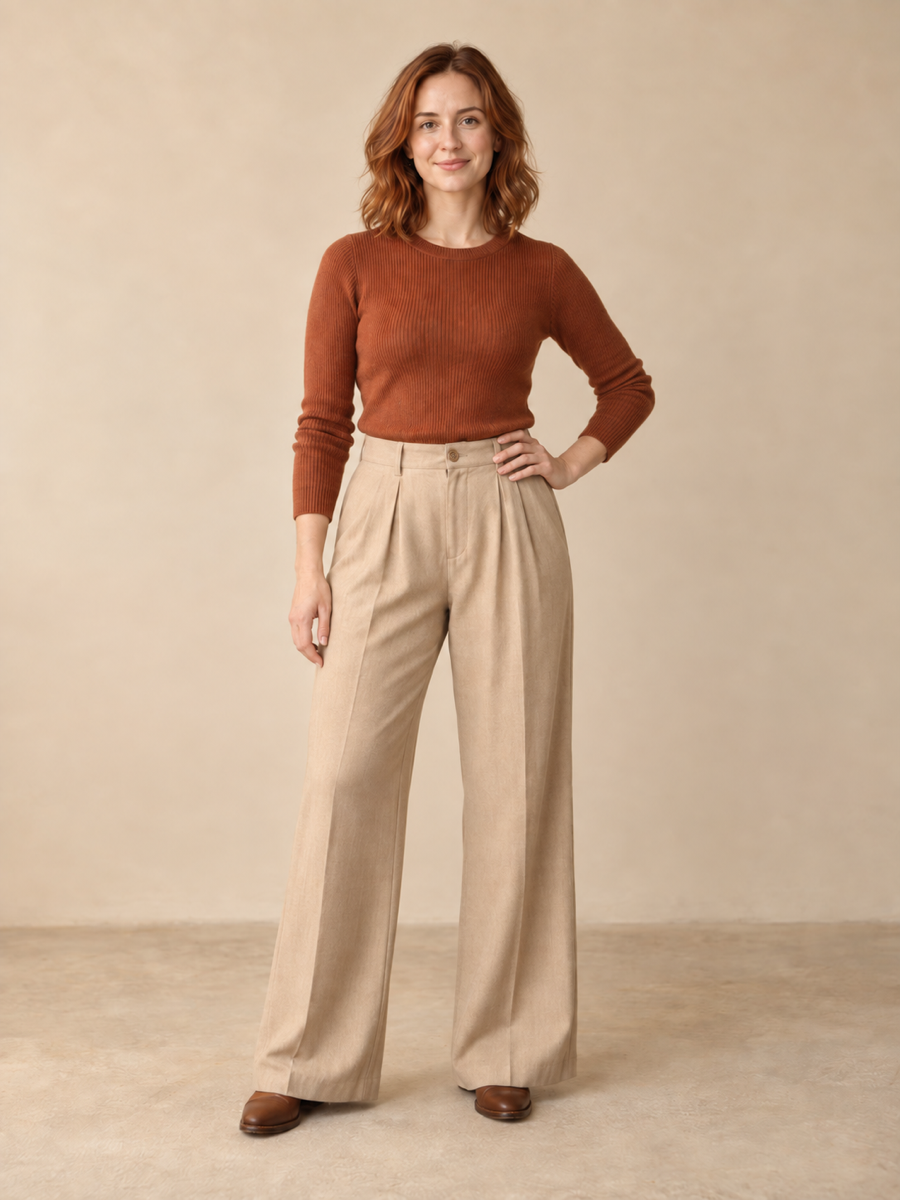
Explore another lookbook composition while keeping the outfit as the visual anchor. Standing makes a modest stance adjustment when the subject is already on their feet; compare seams, sleeves and accessories before choosing your image.
An AI pose changer redraws a person’s body position in an existing photo. IMG AI gives you three focused choices: standing, sitting and a slight turn. Start with your own image, choose the pose and output size, then compare the result with the original in the same workspace. It is useful when the clothes, setting and expression work, but the body language needs another option.
Try a less formal stance for an about page, speaker bio or social profile. A slight turn usually fits an existing portrait better than a large body movement.
Create another composition for a cover, thumbnail or interview graphic from a photo you already have. Keep space in the crop for the hands and new silhouette.
Explore how a familiar outfit reads in a different stance. The edit aims to preserve clothing, but fine patterns, logos and garment edges need a close comparison.
Sign in and choose a JPG, PNG or WebP up to 5 MB. Use a sharp photo with visible arms and enough space around the body. A full-body or three-quarter photo is best for Sitting.
Select Standing, Sitting or Slight turn. Choose 1K, 2K or 4K; the workbench shows the credit cost before you generate. Changing your selections does not use credits.
Move the comparison slider to check the face, fingers, limbs and clothing. Download the finished image or return to it in My Creations. If the connection drops, recover the existing task from this workspace.
Choose by the job you need to finish. IMG AI is a practical fit for a quick pose variation: three clear presets, visible per-image credits, a built-in comparison and a result saved to your account.
| What matters | IMG AI AI Pose Changer | General AI image editor | New photoshoot |
|---|---|---|---|
| Getting started | One person photo and three pose presets | Write and refine the pose instructions yourself | Arrange the person, location and camera |
| Control | Standing, sitting or a slight turn with identity and outfit preservation instructions | Flexible instructions for many kinds of edits; setup depends on the editor | Direct the body and lighting during capture |
| Review workflow | Original/result slider, download and My Creations together | Comparison and history depend on the chosen editor | Review the captured photographs |
| Cost visibility | 20 credits at 1K, 30 at 2K, 40 at 4K, shown before generation | Pricing and limits vary by product | Depends on the people, equipment and location |
| Best fit | A focused pose variation from an existing photo | Broader edits or a custom pose description | Exact physical posing and authentic new detail |
Upload one person photo, choose Standing, Sitting or Slight turn, select an output size and generate. IMG AI uses the original image as the reference for the person, clothes and scene. Compare the new body position with the original, then download your chosen result.
The edit is instructed to preserve recognizable identity, expression, hairstyle, outfit and setting. Moving the body also changes folds, shadows and areas that were hidden in the source, so those details may be redrawn. Compare the face, hands, limb count and garment structure before using the image.
This tool uses three pose presets rather than a reference-image or joint editor. Choose Slight turn for a modest torso adjustment, Standing for a relaxed stance, or Sitting for a seated variation. It does not offer an exact joint-by-joint pose match.
Use a single JPG, PNG or WebP up to 5 MB, between 256 and 4,096 pixels per side and at most 16 megapixels. One result costs 20 credits at 1K, 30 at 2K or 40 at 4K. The selected cost appears before generation; preset selection and comparison do not spend credits.
Use Recover original task if the connection becomes uncertain, or check My Creations. Recovery follows the existing generation. Confirmed failed tasks return their reserved credits; an unresolved task stays recoverable while its status is checked.
Your generation is associated with your IMG AI account and appears in My Creations. Read the IMG AI privacy policy for information about uploads, processing and storage before choosing a photo to upload.
Choose the pose. Compare the details. Keep the version that fits your story.
Change my photo pose