Photo lighting

AI Photo Relight

The IMG AI AI Photo Relight rebuilds the light in a photograph: it changes the direction, colour temperature, softness, and mood of the lighting while leaving the subject, face, framing, and detail exactly where they were. Pick a lighting preset, choose the output size, and compare the original against the relit result before you keep it.

Same subject, new light20 creditsUpdated 2026-09-19

Photo lighting

Relight a photo

Upload a photo, choose the light you want, then compare the original against the relit result before you keep it.

Upload photo(0/1)
Implemented presets only

Source

—

Output

1K render · 20 credits

20 credits for this runView pricing
Ready
New light · same subject

Your relit photo will appear here

Upload a JPG, PNG, or WebP between 256 and 4,096 pixels per side, then run one relighting pass.

The same backlit portrait after a soft front light fills the face evenly and softens the shadows
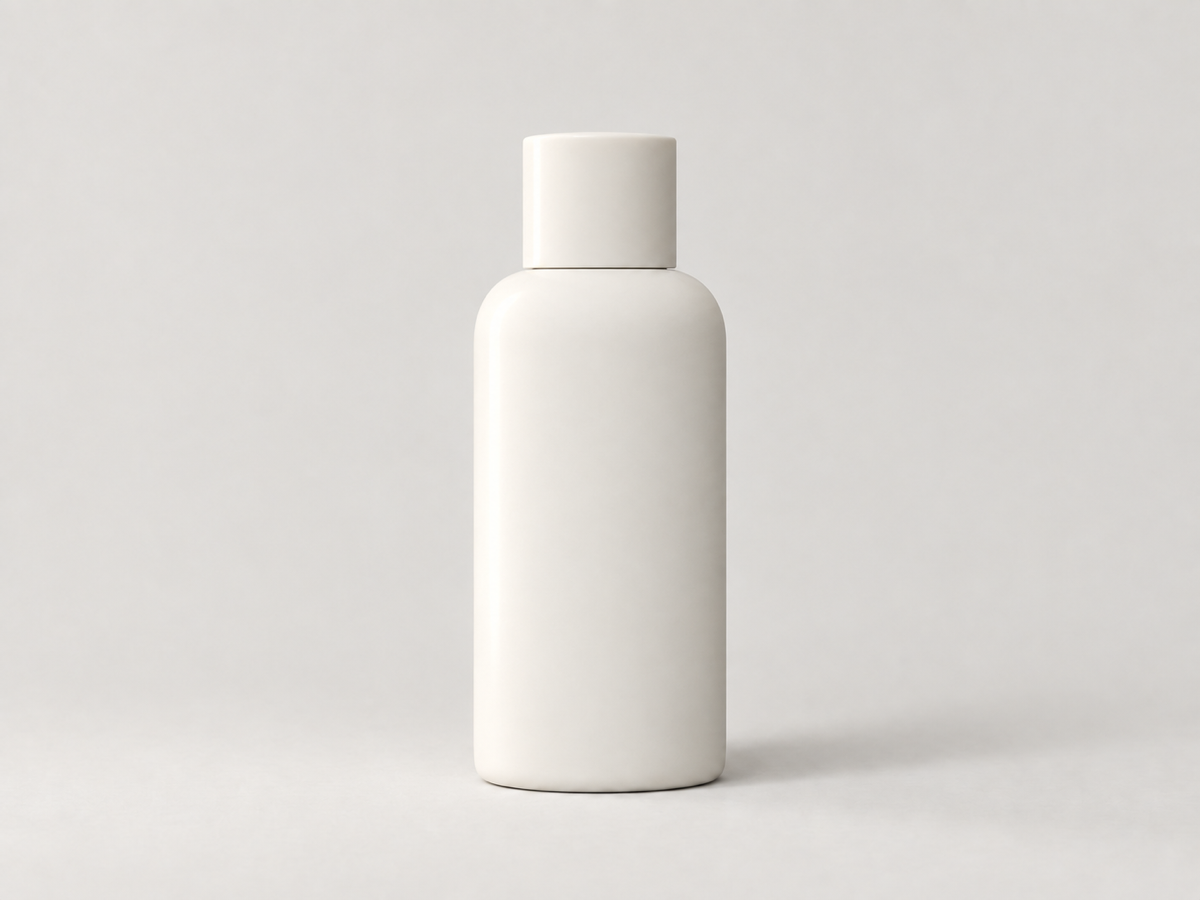
The same bottle with a directional side light, a lit edge, and a soft shadow that gives it volume
The same living room with warm natural light, gently lifted highlights, and soft golden shadows

The direct answer

What is AI photo relighting?

AI photo relighting changes the lighting of a photograph after it was taken. It reads the shape of the subject and the scene, works out where the existing light falls, and then rebuilds the light so the image looks as if it had been captured under a different source: a soft frontal key, a clear side light, or warm natural daylight. Direction, colour temperature, intensity, softness, and shadow shape all change together, which is why a relit photo reads as a new capture rather than a brightness slider.

It is not the same job as brightening or exposure correction. A brightness or exposure tool scales the pixels that already exist, so a flat, front-lit photo stays flat and front-lit, just lighter. Relighting re-renders how light interacts with the existing surfaces, so highlights move to a new side, shadows fall in a new direction, and the mood of the whole frame changes. That also means it is a re-render, not a filter: the result is close to the original but not pixel-identical, so you should always compare the details that matter before you publish.

Jobs this AI Photo Relight is built for

Rescue a backlit or badly lit portrait

Backlit selfies and photos taken under a single ceiling light leave the face flat, dark, or colourless. A soft front light adds an even, camera-side key that fills the face and softens the shadows under the eyes and jaw, so the portrait gains light without the plastic look of heavy retouching. Check the eyes, skin tone, hairline, and shadow under the jaw first.

Give a flat product shot directional side light

Products shot under flat, even light have no shape: the form reads as a silhouette and the material looks dull. Moving the key to one side adds a lit edge, a soft falloff, and a shadow that gives the product volume, while the bottle, label, and geometry stay exactly where they were. Inspect label text, reflections, logos, and hard edges afterwards; those are where a re-render can shift.

Warm up a cold indoor photo

Real-estate, travel, and lifestyle interiors are often captured at the wrong hour, so rooms read cold and flat. Warm natural light adds a believable golden colour temperature, gently lifted highlights, and soft natural shadows that make a room feel lived-in, while the architecture, furniture, and view stay unchanged. Keep verticals and window frames aligned and compare the original geometry before delivery.

How to relight a photo with AI

  1. Upload one photo

    Sign in, then add a single JPG, PNG, or WebP up to 5 MB with each side between 256 and 4,096 pixels and no more than 16 megapixels. IMG AI checks the file in the browser and again on the server, so a damaged or mislabelled image is rejected before any credits are reserved. Start from the sharpest, highest-resolution original you have.

  2. Choose a lighting preset and output size

    Pick the light you want — soft front light, side light, or warm natural light — then set the output size. These are prompt presets this page owns, not sliders on the model, and the workbench shows the credit cost for the size you selected before you submit. One run produces one finished photo.

  3. Compare, then download or discard

    Drag the divider across the result and check faces, hands, hair, edges, reflections, and any text at 100%. Download when the light holds up at the size you need. If the connection drops or you refresh the tab, IMG AI recovers the same task identity instead of starting a second paid job, and the run stays visible in My Creations.

Relit examples

Before and after a relight

A backlit portrait, a flat product frame, and a cold interior, each shown beside the same photo after one relighting pass.

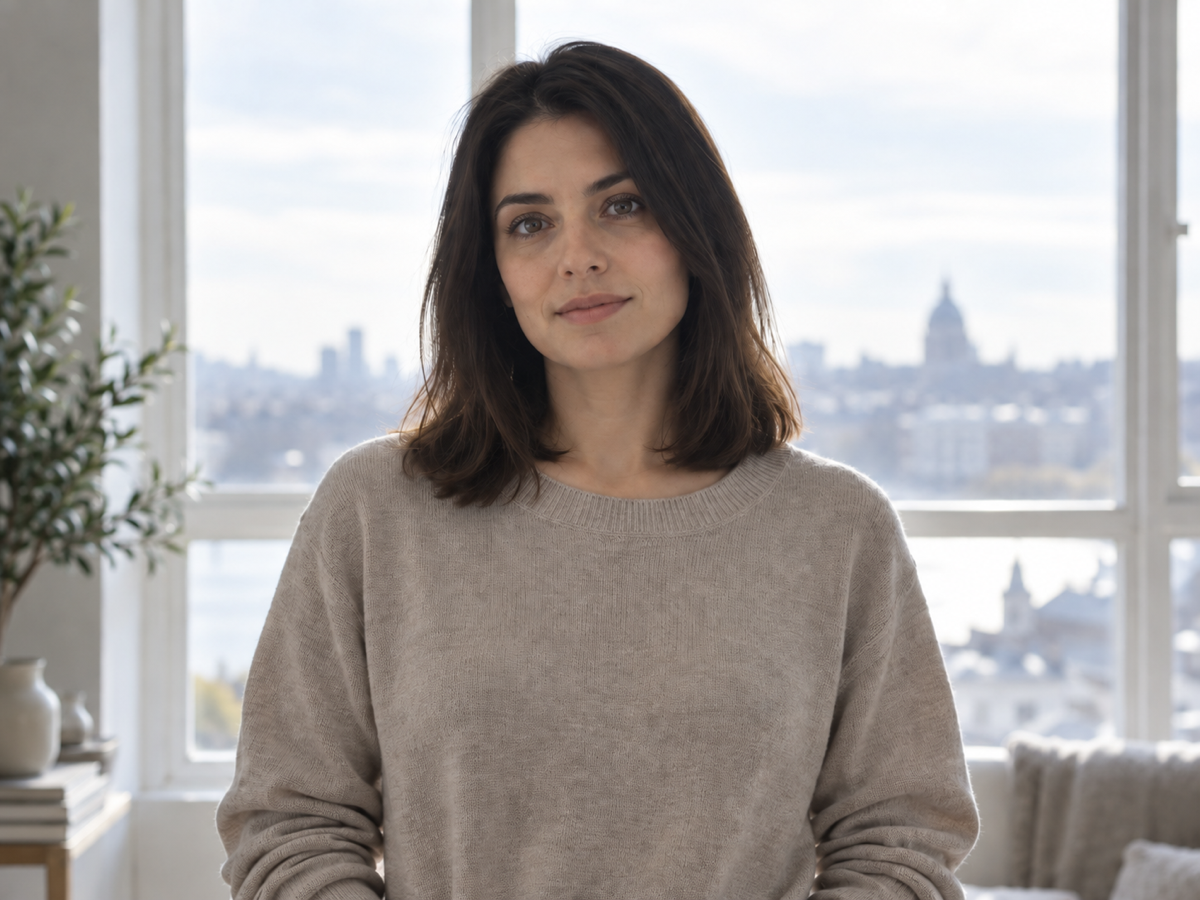
A backlit portrait of a woman whose face falls into shadow against a bright window
The same backlit portrait after a soft front light fills the face evenly and softens the shadows
RelitOriginal

Backlit portrait with a soft front light

Portraits are judged on skin first. The relight should fill the face with an even camera-side key, keep the shadow soft under the jaw and nose, and hold a believable skin tone while the backlit window stays bright. If the face changes shape or the eyes lose their catchlights, the light is too strong for that photo.

Soft front light · 2K

A ceramic bottle photographed under flat even light with no shadow shaping and a dull surface
The same bottle with a directional side light, a lit edge, and a soft shadow that gives it volume
RelitOriginal

Flat product shot with side light

Products are judged on geometry and edges. A side relight should add a lit edge and a soft directional shadow without moving a single contour or softening a label. Check reflections and printed text carefully, and keep the original for retouching.

Side light · 2K

A living room photographed in flat cold light with weak shadows and a dull colourless window
The same living room with warm natural light, gently lifted highlights, and soft golden shadows
RelitOriginal

Cold indoor room with warm natural light

Interiors reward a colour-temperature change because light falls across walls, floors, and furniture. Watch window frames, verticals, and repeating patterns for shadows that clump instead of varying naturally — the most common relighting artifact.

Warm natural light · 2K

What this AI Photo Relight actually does

The page exposes one reviewed relighting pass. The lighting preset and output size are prompt presets this page owns, not independent backend parameters, and there is no object removal or background replacement here because this workflow does not perform those jobs.

A full relight, not a brightness lift

Direction, colour temperature, intensity, softness, and shadow shape change together, so highlights move to the new side and shadows fall in a new direction instead of the whole frame simply getting lighter or darker.

Subject and composition preserved

The pass changes light behaviour while keeping the subject, identity, pose, framing, crop, perspective, and geometry as they were. It is a lighting step, not a redesign, and it is not a way to change what the photo shows.

Reviewable output

The original and the relit result sit in one comparison view, and the finished task stays in My Creations so you can return to it instead of buying a second run.

Relight, brighten, or change the background?

These three jobs get confused constantly. Pick by what you actually need to change about the photo.

The problemAI Photo RelightPhoto enhancerBackground changer
Best forA photo whose light direction or mood is wrongA soft, noisy, or compressed photo that is otherwise fineA good photo that needs a different setting behind the subject
What changesLight direction, colour, softness, and shadow shapeSharpness, noise, and exposure balanceThe background pixels, not the subject
What it will not doRemove objects or replace the backgroundMove the light or reshape shadowsFix bad lighting on the subject
Cost on IMG AI20–40 creditsSeparate toolSeparate tool

Photos that relight well

A sharp, well-exposed original gives the pass the most shape and material detail to read. A clear subject, visible surfaces, and a believable existing light direction all help. Relighting works best as a mood or time-of-day step, after composition and framing are already right.

Limits you should know

  • It re-renders the photo, so it is not pixel-identical to the source. Fine texture, tiny text, jewellery, and repeating patterns can shift slightly; always compare identity-sensitive and text-heavy details at 100%.
  • It changes lighting only. It will not remove objects, replace a background, repair damage, or upscale a low-resolution file — use the matching IMG AI tool for those jobs.
  • It cannot invent a lighting situation the geometry cannot support. A closed, shadowless studio capture has little directional information to work with, and a very dark or heavily compressed original gives the pass less to read.
  • It is the wrong tool for a photo that only needs sharpening, colour correction, or noise reduction. Those are single-property fixes; relighting changes the whole light story of the frame.
  • You must own or be authorised to process the source, and you are responsible for disclosing AI involvement wherever a platform, publication, or client requires it.

IMG AI vs Relight AI vs Clipdrop Relight

Three tools answer the same query with three different delivery models: a full relight inside a wider image account, a browser-first relighting site, and a relight mode inside a larger creative suite. Public product pages were reviewed on 19 September 2026; confirm current terms on each vendor site before you commit.

IMG AI

One reviewed relighting pass inside the same account, credits, and history you already use for the rest of IMG AI.

Sign in, upload one JPG, PNG, or WebP up to 5 MB, choose a lighting preset and output size, confirm the credit cost, run one pass, drag the split comparison, and download. The run is recoverable and appears in My Creations.

No pixel-identical mode, no batch queue, and no manual light-position editor. Texture and shadow changes are visible by design, and the output is a re-render rather than a byte-for-byte copy.

Open the IMG AI tool

Relight AI

A browser-first relighting tool with both quick presets and free-text lighting prompts.

Relight AI presents a custom-trained relighting model with a Quick mode for presets and a Prompt mode where you describe the light, plus a light-direction control and a small free credit allowance before a subscription.

It is a single-purpose relighting site in its own account, and prompt mode puts the result on you to describe and retry. It does not bundle the wider editing, generation, and history tools IMG AI carries.

Public product page reviewed for this comparison.

Clipdrop Relight

A relight mode inside a broader creative suite that many users already pay for.

Clipdrop offers relighting alongside background removal, cleanup, and upscaling, with light controls layered onto a suite subscription rather than a standalone per-image task.

Relighting is one mode among many, so you pay for the whole suite and work inside its account. Credits and limits are shared with the rest of the product, which makes per-image cost harder to reason about.

Public product page reviewed for this comparison.

Also worth knowing: Microsoft Photos Relight runs locally on Copilot+ PCs, and Adobe Firefly offers a relight workflow inside its editing tools. IMG AI is the better fit when you want a browser-based relight with a clear per-image credit cost, a before-and-after comparison, and the result saved to the same account you already use.

Privacy, rights, and responsible use

Upload only photos you own or are authorised to process, and be careful with identifiable people who cannot consent. Do not use this tool to misrepresent a real person, to fabricate evidence, or to pass an edited image off as an unedited documentary record. Img ai keeps the tracked task on your account and the result in My Creations. Read the privacy policy before uploading private or client material.

File and credit specifications

Input
JPG, PNG, WebP
Maximum file
5 MB
Side range
256–4,096 px
Maximum area
16 megapixels
Output sizes
1K, 2K, or 4K
Task cost
20 / 30 / 40 credits
Controls
Lighting preset and output size
History
My Creations

AI Photo Relight FAQ

What does an AI photo relight actually change?

It rebuilds the lighting of the photo: the direction the main light comes from, its colour temperature, how soft or hard the shadows are, and the overall mood, while the subject, pose, framing, and geometry stay in place. The result looks like the same scene captured under different light rather than a brighter or darker copy of the original.

Does relighting change the person or the objects in the photo?

It is designed not to. The pass changes light behaviour only, so identity, expression, hairstyle, clothing, products, architecture, and background objects should remain recognisable and in the same position. Because it is a re-render rather than a filter, small texture and fine-detail shifts are possible, so compare faces, text, jewellery, and hard edges at 100% before you publish.

Which lighting presets can I choose?

Three implemented presets: soft front light, side light, and warm natural light. Soft front light fills the subject evenly from the camera side, side light adds a directional key and a shaping shadow, and warm natural light adds a believable golden colour temperature. The page only offers presets it actually supports, and the credit cost is shown before you submit.

Which photos and sizes work best?

One JPG, PNG, or WebP up to 5 MB, with each side between 256 and 4,096 pixels and no more than 16 megapixels. A sharp, well-resolved original gives the pass the most shape and material detail to work with. Choose 1K, 2K, or 4K for the output; the run costs 20 credits at 1K, 30 at 2K, or 40 at 4K.

What happens if a run fails or the connection drops?

A failed task refunds automatically, and a dropped connection or page refresh recovers the same task instead of charging twice. The task identity is frozen when you submit, so repeated clicks, retries, and duplicate callbacks cannot reserve or refund credits more than once, and the tracked run stays in My Creations.

How is my photo handled, and can I use the result commercially?

IMG AI keeps the tracked task on your account and the result in My Creations, and uses the file only to produce the relit version. Read the privacy policy before uploading private or client material. The tool and credits are ours; the rights and the disclosure decision are yours, so use only sources you own or are authorised to process and disclose AI involvement where required.

First-party limits come from the IMG AI relighting backend. Competitor behaviour in the comparison above was read from public product pages on 2026-09-19 without linking out. Move to the workflow that matches what the photo actually needs.