
Banners on IMG AI

AI Banner Generator

The IMG AI banner generator turns a short brief and an exact headline into one finished banner image. Describe the message, choose the format and art direction, pick a size from 1K to 4K, and download a PNG you can place on a site, an ad, or a social channel.

1K to 4K PNGFrom 20 creditsUpdated September 2026

Banner generator

Turn a brief and an exact headline into a banner

Describe the message, set the words, choose the format, then run one pass and download a finished PNG.

This run20 credits
20 credits for this runView pricing
Ready
Concept preview · not a data record

Your finished banner will appear here

Write a brief, set an exact headline, and choose a wide, square, or vertical format to generate.

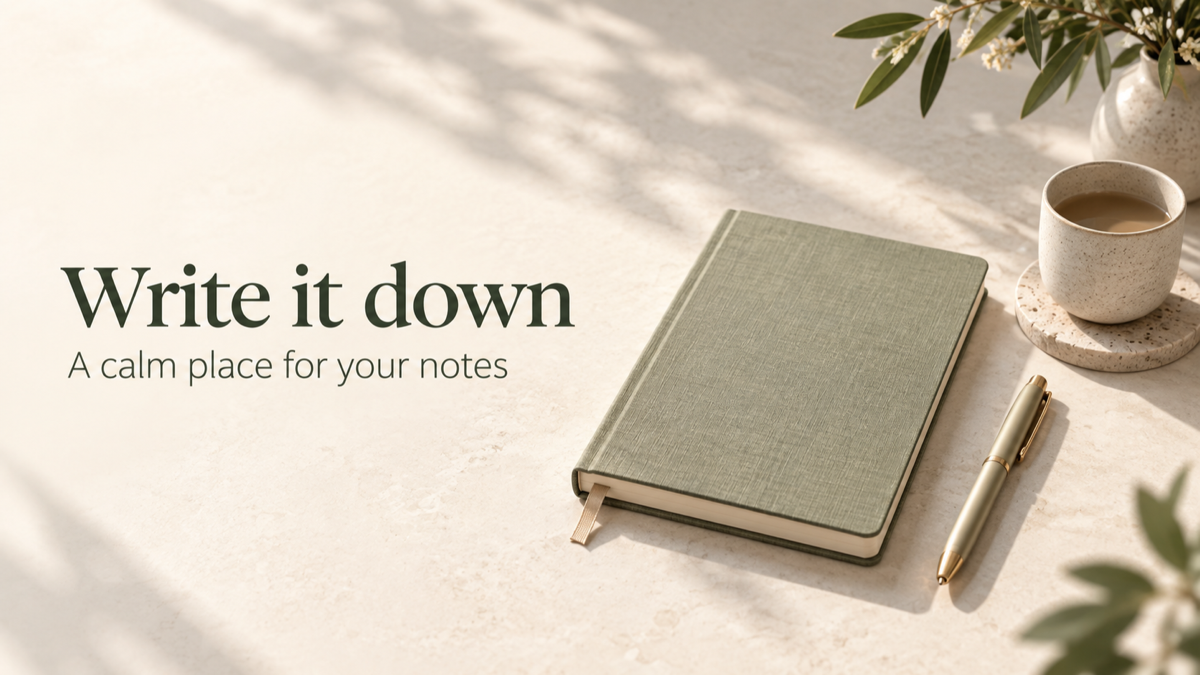
Wide web hero banner for a software product launch with a bold headline, a clean product subject, and generous open space
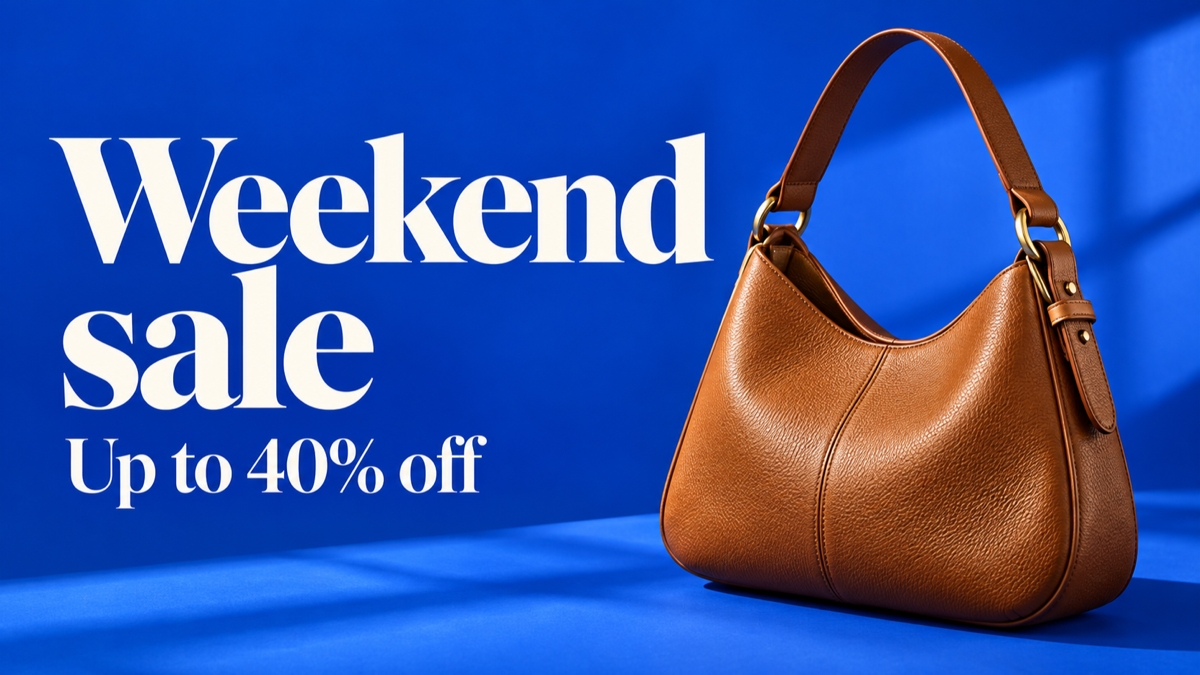
Wide promotional display banner for a weekend sale with a single product, a short offer, and a clear call to action
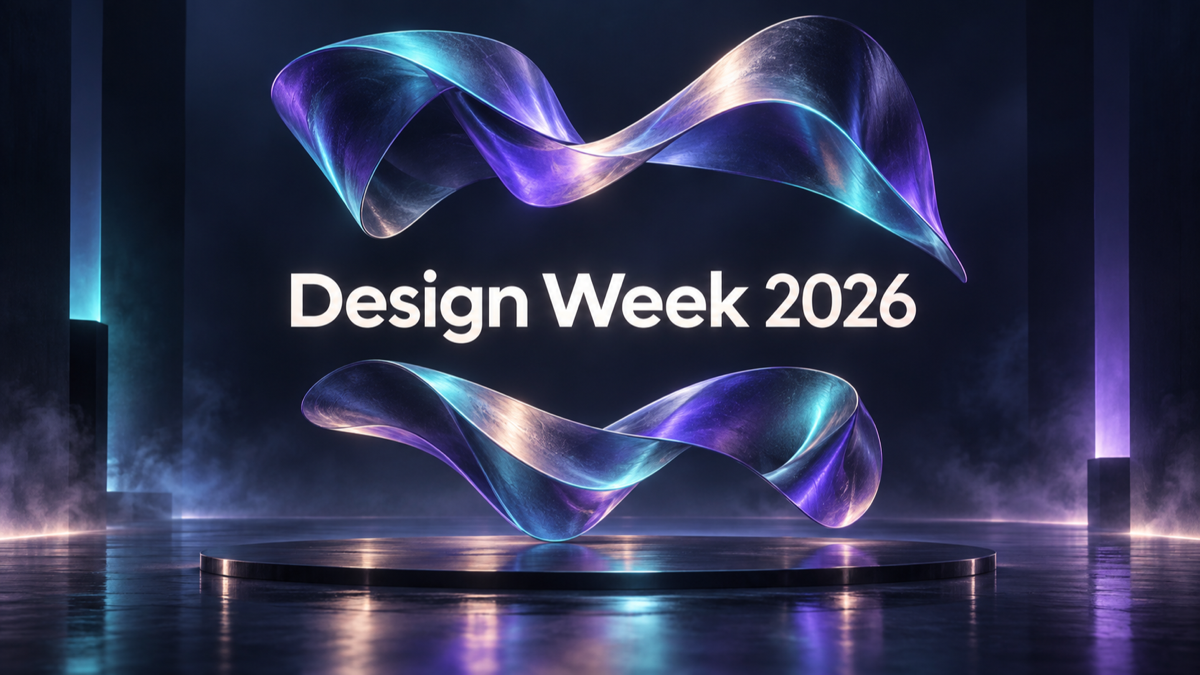
Wide channel-art banner for an online event with atmospheric artwork and a title zone kept clear in the center

Concept examples, not measured customer results.

The direct answer

What is an AI banner generator?

An AI banner generator creates a finished banner image from a written brief instead of from a template you drag layers into. You describe the message and the mood, set the headline and optional supporting line, choose the format and the aspect ratio the placement needs, and the tool renders one flat image with the composition, color, and type already assembled.

The useful difference is speed and coverage. A designer can build a strong banner in a template tool, but the first layout takes decisions and minutes. A generator gives you a complete candidate in one pass, so you can judge a direction, regenerate a variation, and only then refine. It is strongest for campaign graphics, web headers, paid display banners, and social creatives where the message is short and the composition has to read at a glance.

Banner text is drawn as image pixels, not live HTML, so a short, familiar headline is far safer than a paragraph, a long URL, or unusual punctuation. IMG AI keeps the headline, supporting line, and call to action in separate fields, sends them as an explicit reading order, and returns a flat raster image rather than an editable design file.

Jobs this banner generator is built for

Web and landing-page headers

A wide hero banner introduces a product, a launch, or a promotion above the fold. Use a 16:9 or 21:9 frame so the composition reads as a header, keep the headline short, and leave a calm text zone that stays legible when the image is cropped for a smaller screen.

Paid display and social ads

Ad creatives live at small sizes and in unpredictable crops. A display or social banner needs one clear subject, one offer, and one action cue, with enough contrast that the message survives a thumbnail. Generate a few directions, then place the one that reads fastest.

Channel art and video thumbnails

A YouTube banner or thumbnail has to hold a title over artwork without either fighting the other. Use a wide frame, keep the subject to one side, and keep the middle clear so a title can sit over the artwork cleanly.

How to make a banner with AI

  1. Write the brief and the exact words

    Describe the subject, the setting, the mood, and the audience in the brief. Put the headline, the supporting line, and the call to action in their own fields so the picture has a reading order instead of one dense paragraph. Short, familiar lines render more reliably than dense copy.

  2. Choose the format, style, ratio, and size

    Pick the banner job, an art direction, a palette, the aspect ratio your placement needs, and a resolution. 16:9 suits a web hero or a video frame, 21:9 suits a site header or a leaderboard, 1:1 suits a feed, and 9:16 suits a story or a short. The cost is shown before you submit.

  3. Generate, proof the text, then download

    Open the result at full size and read every word, number, and price on the image. If a character is wrong, shorten the line or generate a new variation rather than shipping a typo. Download the PNG only after the text is verified, and check the task in My Creations if the connection drops.

Concept examples

Banners this tool can produce

These own concept examples show a web hero, a promotional display banner, and channel art. They are not measured IMG AI customer results.

Wide web hero banner for a software product launch with a bold headline, a clean product subject, and generous open space

SaaS product launch hero banner

A web hero reads left to right: subject first, headline second, action last. Check that the headline is spelled correctly, that the subject is not cropped by the sides, and that the text keeps its contrast if the image is trimmed for a narrower screen.

Website hero · 16:9 · 2K render

Concept example generated for this page; not a measured customer result from IMG AI.

Wide promotional display banner for a weekend sale with a single product, a short offer, and a clear call to action

Retail weekend sale display banner

A display banner has one job: make the offer readable at a small size. Inspect the digits of the discount and any deadline, confirm the call to action is the last thing the eye reaches, and make sure the subject is not competing with the type.

Display ad · high contrast · short offer

Concept example generated for this page; not a measured customer result from IMG AI.

Wide channel-art banner for an online event with atmospheric artwork and a title zone kept clear in the center

Event channel-art banner

Channel art is often cropped differently across devices, so keep the important words and the subject away from the edges. Check that the artwork still reads if the frame is cropped to a narrower band, and that the title area stays uncluttered.

YouTube art or thumbnail · wide · safe zones

Concept example generated for this page; not a measured customer result from IMG AI.

What this banner generator actually does

The page exposes one guided generation pass with named formats and styles. There is no layer panel, no canvas resize tool, and no vector export, because this backend does not expose them.

Brief plus exact text, one pass

The brief carries the visual direction and the separate headline, supporting line, and call to action carry the words. The tool sends the text as an explicit reading order, so the headline leads and the action closes instead of the model inventing its own copy.

Formats, styles, and palettes

Six banner jobs, six art directions, six palettes, and seven aspect ratios cover a web hero, a paid display ad, a social creative, channel art, a promo, or an event. Each choice is a specific instruction to the model rather than a cosmetic preset, so two directions are genuinely different results.

Sized output and recoverable runs

Render at 1K, 2K, or 4K for the placement you have in mind, download a PNG, and keep the finished task in My Creations. A dropped connection recovers the same paid run instead of charging again, and a failed task returns its reserved credits.

AI banner generator vs template design tools vs manual design software

These three routes answer the same need in different ways: a generative first draft inside an image account, a template editor where every element stays movable, and a professional design program with full control. Each trades speed, control, and skill differently.

IMG AI

A fast original banner from a brief, inside the same account, credits, and history you already use on IMG AI.

Sign in, write a brief with an exact headline, choose the format, art direction, palette, ratio, and resolution, confirm the credit cost, generate in one pass, then download the PNG or regenerate a new direction.

Headline, art, and background are baked into one flat image, and a new direction is a new render rather than an edit to the current one.

Open the IMG AI tool

Template design tools

Template-led layout and team editing when every text box, image, and brand asset must stay movable after the first draft.

Pick a sized template, replace the text and images, apply a brand kit, and export. The layout, safe areas, and export sizes are predefined by the template.

You stay inside the layout you picked, and a genuinely new composition means building it or hunting for another template.

Manual design software

Layer-level control for a few hero banners where a designer needs to tune type, mask, and color by hand.

Set a canvas, compose type and imagery, apply masks and effects, and export at the exact size and crop the placement requires.

It depends on operator skill, takes the longest per banner, and is hard to keep consistent across a large set of sizes.

Pick by what you actually need: use IMG AI when you want a finished candidate fast and can steer by brief, a template tool when the layout must stay editable and on-brand, and manual software when a designer needs full control of a few hero assets.

Briefs that generate well

The strongest banners come from a short, concrete brief: one subject, one mood, and one message. Name the product or theme, describe the setting and lighting, and keep the headline to a few familiar words so the composition has room to breathe.

Limits you should know

  • Banner text is generated as pixels, so a long line, an unusual symbol, or a legal paragraph can misspell or crowd. Keep the headline short and proofread the image itself before publishing.
  • The output is one flat raster PNG. It has no editable layers, no SVG, no PSD, no font file, and no separate brand-kit assets.
  • The model redraws the whole frame each time, so a regenerated banner is a new composition rather than a small edit to the previous one. Keep the version you like.
  • An exact brand font cannot be guaranteed. Art direction can be matched closely, but the rendered lettering is an approximation, not your licensed typeface.
  • Very small ad slots have their own safe-area and weight rules that a generative image cannot enforce; check the placement spec before you run the campaign.

AI banner generator vs AI poster generator vs AI thumbnail maker vs AI image generator

Four image tools sit close together in a search box. Pick by the shape and the job of the final asset.

The problemAI Banner GeneratorAI Poster GeneratorAI Thumbnail MakerAI Image Generator
Best forA wide banner for a site, an ad, or a channelA tall poster for an event or a campaignA small clickable video or article thumbnailA flexible image with no fixed layout
Typical shapeWide: 16:9, 21:9, 3:2Tall: 2:3, 3:4, 4:5Compact: 16:9 or 1:1Any ratio you choose
What it will not doEdit layers or export SVG or PSDEdit layers or guarantee exact typographyBuild a full-page layoutGuarantee a readable text hierarchy
Cost on IMG AI20–40 creditsSee pricingSee pricingSee pricing

Privacy, rights, and responsible use

Only describe names, logos, claims, and products you own or are authorized to use. Do not create deceptive, misleading, or infringing advertising, and follow the advertising rules that apply where you publish. IMG AI keeps the tracked task on your account and the result in My Creations. Read the privacy policy before submitting sensitive material.

Format and credit specifications

Input
Brief plus headline, supporting line, call to action
Banner jobs
Web hero, display ad, social, channel art, promo, event
Aspect ratios
16:9, 21:9, 3:2, 4:3, 1:1, 9:16, 2:3
Styles
Minimal, bold editorial, gradient, photographic, geometric, retro
Output
One PNG at 1K, 2K, or 4K
Task cost
20 credits at 1K, 30 at 2K, 40 at 4K
Editable layers
No; the banner is one flat image
History
My Creations

AI Banner Generator FAQ

What does an AI banner generator actually create?

It creates one finished raster banner image from a written brief plus a headline, an optional supporting line, and an optional call to action. You also choose the banner job, art direction, palette, aspect ratio, and resolution. The result is a flat PNG with the composition and type already assembled, not a layered design file you keep editing.

Can the AI banner generator render my exact headline?

Your headline, supporting line, and call to action are sent as separate instructions with an explicit reading order, which makes the text far more reliable than burying a title in a paragraph. Generative lettering can still misspell or crowd a line, so read every word, number, and price on the finished image before you publish it, and shorten the line if a character comes out wrong.

Which aspect ratios and sizes can I choose?

You can pick a wide 16:9 or 21:9 frame for a web hero or a leaderboard, 3:2 or 4:3 for a display ad, 1:1 for a feed, 9:16 for a story or a short, or 2:3 for a tall banner. Each format is available at 1K, 2K, or 4K, and the cost is shown next to your balance before you submit.

How many credits does a banner cost, and what if it fails?

A 1K banner costs 20 credits, 2K costs 30, and 4K costs 40, and the generate button shows the charge before you submit. A failed task returns its reserved credits automatically, and a dropped connection or page refresh recovers the same task instead of charging twice. Current plans are listed on the IMG AI pricing page.

Can I use the banner commercially?

Use is governed by your plan and the Terms of Service, and you remain responsible for the names, logos, claims, and images you describe. Only submit text and references you own or are authorized to use, do not create deceptive or infringing advertising, and check any regulated claim against the rules that apply where you publish.

Will it match my brand font and exact colors?

Art direction, palette, and mood can be matched closely, but a generated image cannot guarantee a licensed typeface or an exact brand hex value. The palette narrows the color story rather than locking one pixel value, and the lettering is a rendered approximation. For strict brand compliance, generate the artwork here and set the final type in your brand tool.

Move to the workflow that matches the asset you actually need.

Create your next banner

Write a brief, set an exact headline, pick the format and size, and download a finished PNG you can place today.

Open the banner generator