
For the story behind your video

AI Thumbnail Maker

Turn a video idea into thumbnail candidates you can compare. Start with a topic, add your own photos if needed, and explore a clear subject, a short headline and a composition that reads at a glance.

Your video, one clear idea

Describe the subject and the story. 3–400 characters.

Up to 60 characters. Short headlines are easier to review at small sizes.

Reference photos (optional)
Up to 3 JPG, PNG or WebP images, 20 MB each

Sign in to upload your own references.

YouTube · 16:9 · 2KAccount required
Sign in to create

Credits cover the selected batch. Fewer candidates may be returned. Failed tasks refund reserved credits. References must be uploaded again for a new batch.

Your thumbnail candidates

My Creations

Start with a topic, or add a photo to guide the composition.

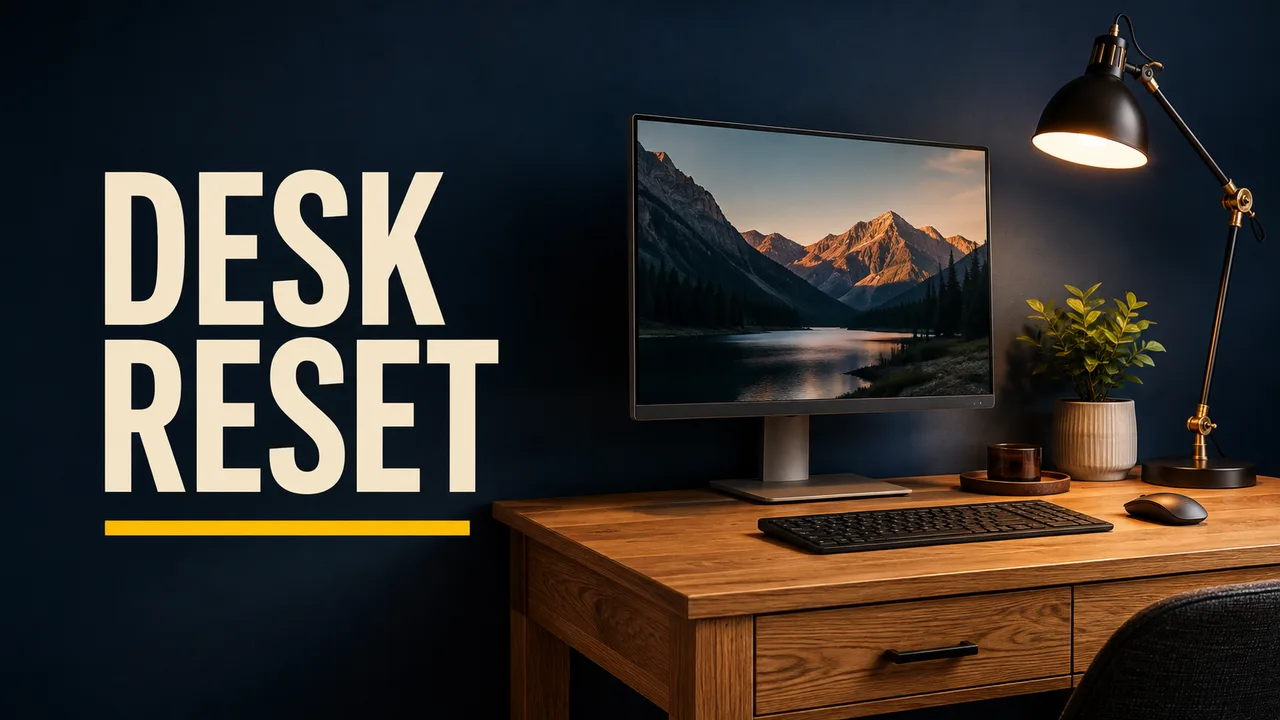
Concept thumbnail: DESK RESET beside an uncluttered home office
Concept illustration — not a verified tool output

Look at each candidate as a small card. Can you identify the subject before reading the headline?

AI lettering and reference details can vary. Keep the strongest composition, check the words, and make any final edits before uploading to YouTube.

Give viewers one idea to recognize

A thumbnail has little room to explain a whole video. Use this workspace to explore the main visual promise: the object you reviewed, the result you achieved, or the place your story takes them. Compare different compositions before committing to one. Keep the image honest to the content, and let the video title carry details that would crowd the frame.

From brief to a reviewed image in three steps

  1. 01

    Write the visual brief

    Name the main subject and the point of the video. Choose a style that fits your channel, then add a short headline or leave the words for later.

  2. 02

    Guide the composition

    Upload references when identity or a product matters. Select a candidate limit and review the credit total before creating the batch.

  3. 03

    Compare, check and download

    Inspect the subject and spelling, then look at the image as a small card. Download your choice and make any final edits before publishing.

Three composition ideas to start from

Concept illustrations, not verified outputs or performance claims.

Concept thumbnail: DESK RESET — a practical desk makeover
Concept illustration · 16:9 composition

A practical desk makeover

Give a tutorial one visible result. The short headline leaves room for the desk, while the dark wall separates the letters from the subject. For your own makeover, add a reference photo of the actual room and check that the layout still matches your video.

Try a brief like this: A compact home office, an oak desk, warm task lighting and one uncluttered focal point.
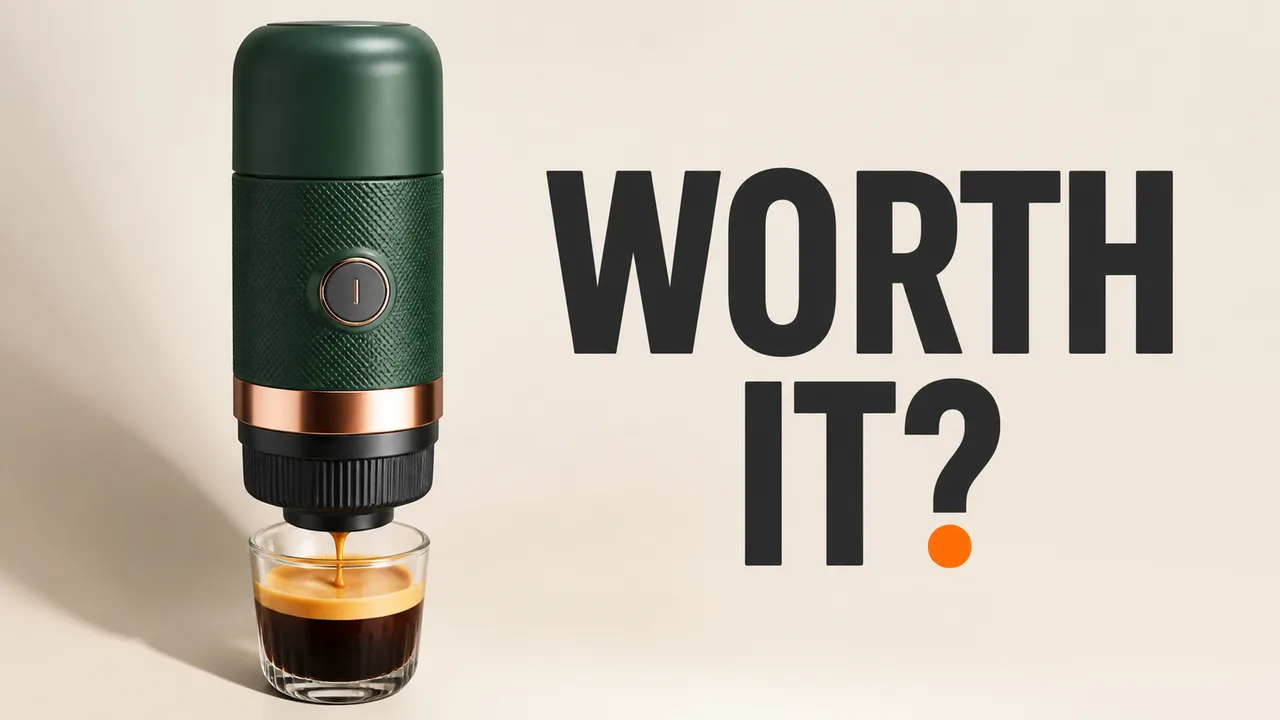
Concept thumbnail: WORTH IT? — a focused product review
Concept illustration · 16:9 composition

A focused product review

Make the object easy to recognize before adding a verdict. A quiet background can give a small product more presence. Use a photo you own when its shape matters, and inspect buttons, labels and proportions rather than assuming the reference will be reproduced exactly.

Try a brief like this: A portable espresso maker, a small coffee cup and clean studio lighting on an ivory background.

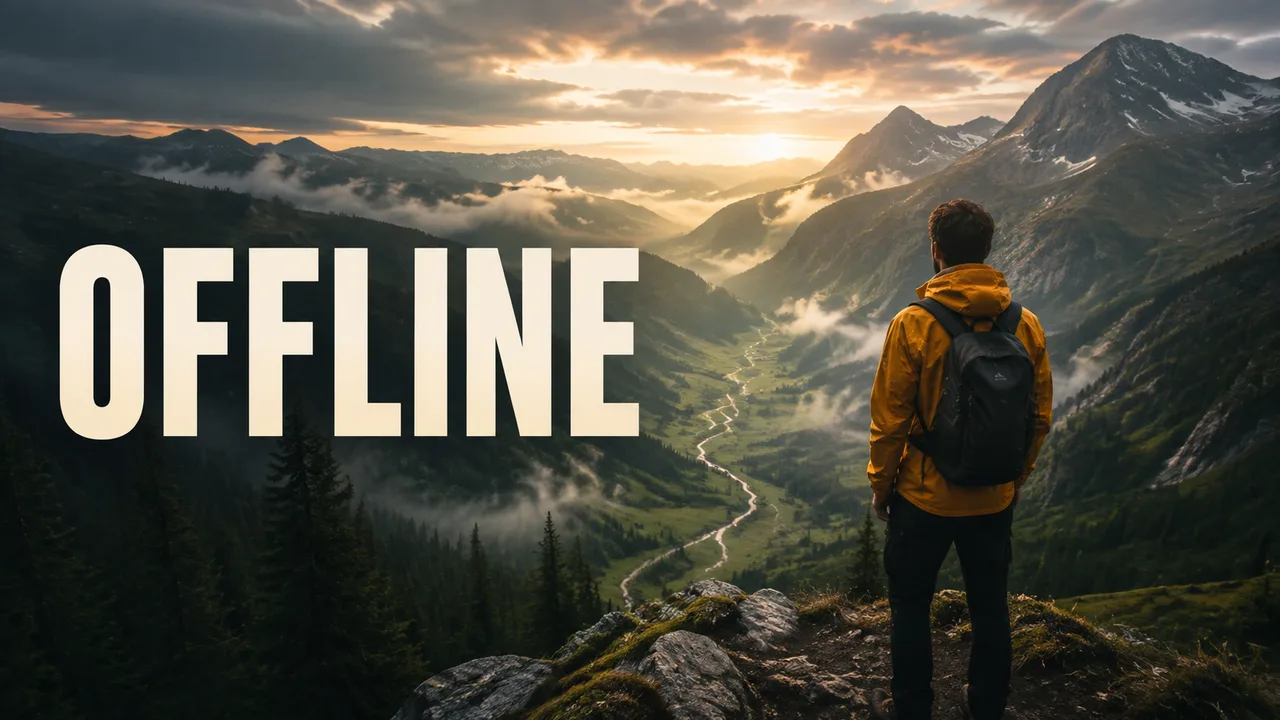
Concept thumbnail: OFFLINE — a story from the trail
Concept illustration · 16:9 composition

A story from the trail

A documentary thumbnail can communicate mood with one clear silhouette. Keep the scene faithful to the episode: an attractive invented landscape should not imply that you filmed somewhere you did not. Use the concept to plan your composition, then review the generated details.

Try a brief like this: A lone hiker in an amber jacket overlooking a misty alpine valley at dawn.

Know what still needs your judgment

These are image candidates, not a replacement for editorial review. Generated words, faces, hands and product features can be wrong. There is no layer editor, automatic channel analysis, built-in A/B test or promise of higher engagement. A batch may return fewer images than its selected limit. Check the downloaded file against YouTube’s current thumbnail guidance; upload requirements depend on the device and content type.

Choose a workflow that fits the job

The useful distinction is how you want to start and finish, rather than a universal winner.

Thumbnail creation workflow comparison
ToolStarting pointConsider it when
Img aiTopic, optional headline and up to three photosYou want a focused set of image compositions to review and download.
vidIQVideo link or written thumbnail ideaYou want a thumbnail workflow alongside YouTube creator tools.
FotorPrompt, photo or a thumbnail design workflowYou want generation and access to broader photo-design tools.

Workflow sources checked September 6, 2026: vidIQ and Fotor. Their plans and features can change.

A visible credit total before you create

8 creditsBatch of up to 1 candidate

16 creditsBatch of up to 2 candidates

32 creditsBatch of up to 4 candidates

Sign in to generate or upload references. Your images are available through My Creations and the task’s download controls. Downloads follow your account’s existing watermark entitlement. See Img ai plans for credit packages and subscription details.

AI Thumbnail Maker questions

What does the AI Thumbnail Maker create?

It creates flattened image candidates for a YouTube video thumbnail. Describe the topic, choose one of six visual styles, and optionally add a short headline or reference photos. It does not create a layered design file, analyze your video, or publish to your channel.

Can I use my own face or product photo?

Yes. Sign in and upload up to three JPG, PNG or WebP references, each no larger than 20 MB. Only upload photos you have permission to use. References guide the image, but likeness, logos and small product details can change. Review them carefully.

Will the headline be spelled correctly?

Text is a generation request, not a guarantee. Keep the headline short and inspect every letter at full size and at a small preview size. If exact typography is essential, leave the headline blank and add the final words in an editor after downloading.

What size and format will I get?

This tool requests landscape 16:9 images at the 2K setting. The returned file determines the exact pixel dimensions and format. Download the result, check its size, and resize or compress it for your upload workflow. Other ratios and a dedicated Shorts mode are not available here.

How do credits and interrupted requests work?

A batch costs 8, 16 or 32 credits for a limit of one, two or four candidates. The returned count may be lower; the selected batch price still applies. Credits are reserved when the request starts and returned if the task fails. If confirmation is interrupted, resume the saved request rather than paying for a replacement.

Are the examples real tool outputs?

The three examples on this page are independently created concept illustrations. They demonstrate composition ideas, not verified outputs from this tool or measured channel results. Your results will vary. No thumbnail can guarantee views, clicks or a particular click-through rate.

Need a different starting point?